Mini Golf — free online Casual game
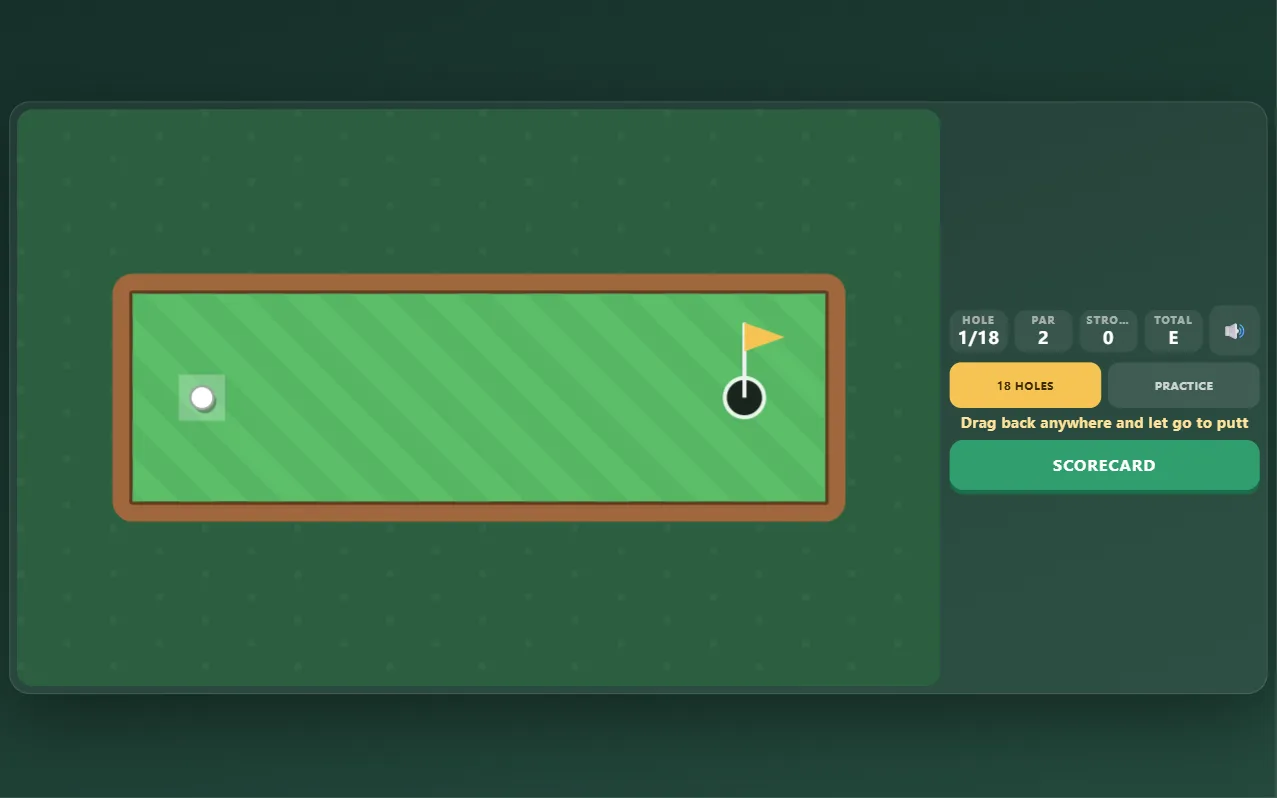
18 original holes of putt-putt: drag back, let go and sink it in as few strokes as you can.
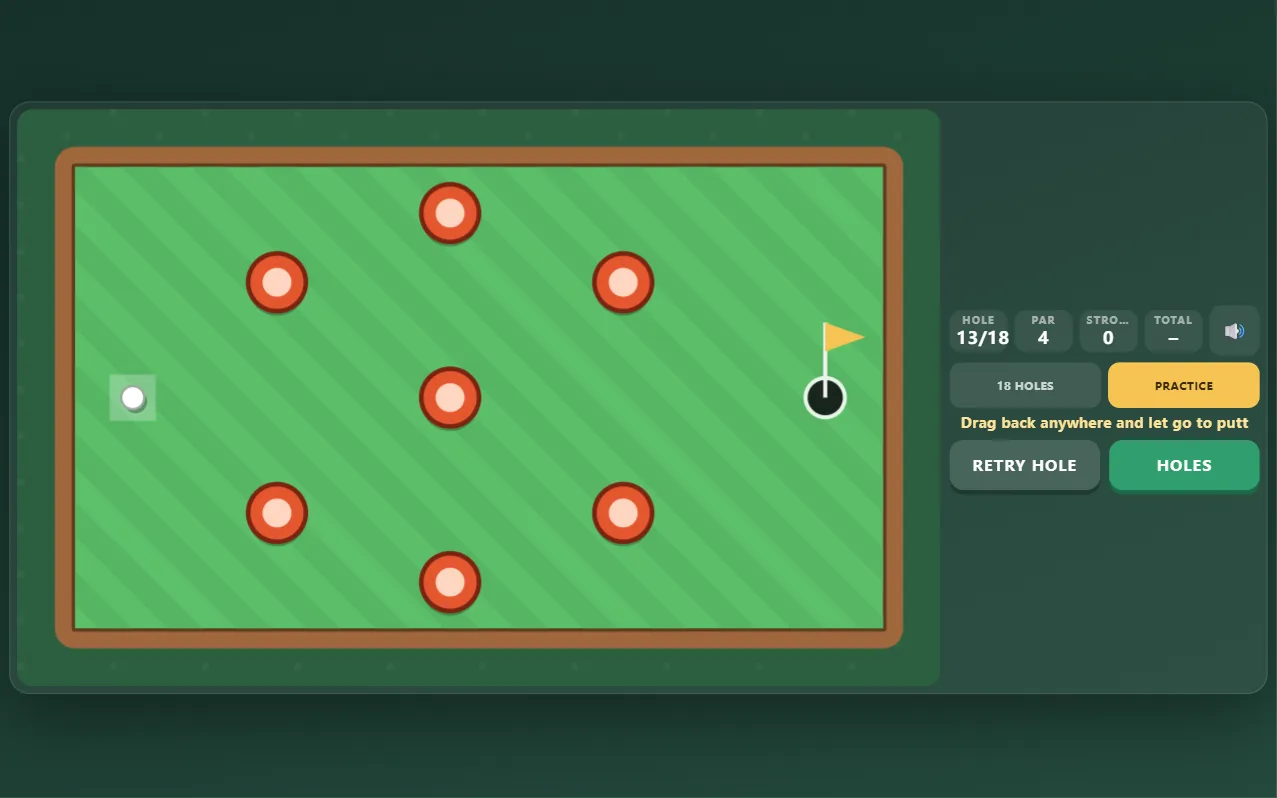
Mini Golf is a free online putting game you can play in your browser with no download and no sign-up. Drag back anywhere on the course and let go to putt: the further you pull, the harder you hit. Play 18 original holes, from a straight warm-up to doglegs, bumper posts, sand traps that slow the ball, ponds that cost a penalty stroke and slopes that bend your putt. Bank shots off the walls count, and a few holes can even be aced. Play the full round with a scorecard against a par of 51, or practise any hole as often as you like and keep your best score for each. There is no timer, it works with a mouse or a finger, and your round is saved as you go.
Quick start
- Press Start Game. The 18-hole round starts on hole 1 (or where you left off).
- Put your finger or the mouse anywhere on the course and drag back, away from where you want the ball to go.
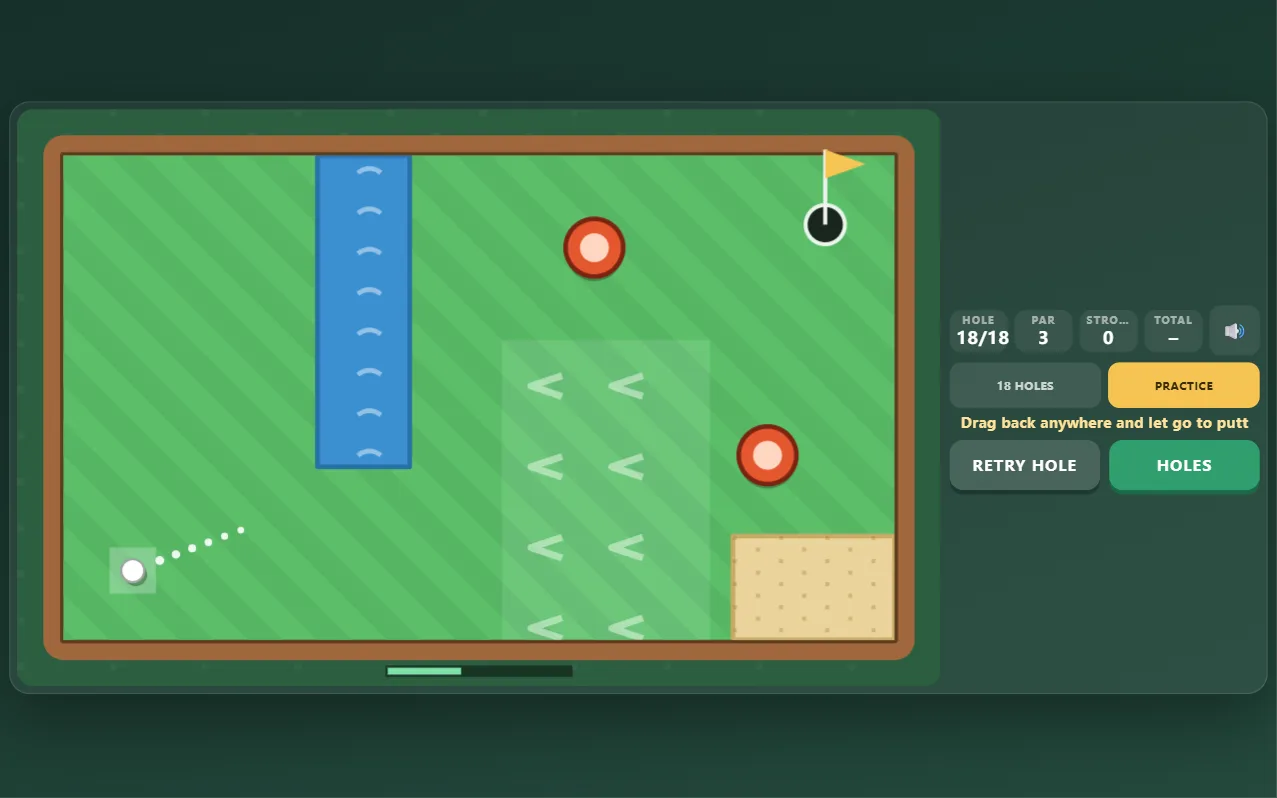
- The dotted line shows the direction and the bar at the bottom shows the power. Let go to putt.
- Get the ball in the cup in as few strokes as you can, then the next hole starts by itself.
How to play Mini Golf
- Every hole has a par, the number of strokes a good round needs; the whole course is par 51.
- Pull further for a harder putt. Let go after only a tiny drag and nothing happens, so you can change your mind.
- The ball bounces off the timber walls and the red posts. Bank shots are allowed and often the best way round a corner.
- Sand slows the ball down a lot. Slopes (the pale patches with arrows) push it the way the arrows point.
- Roll into a pond and the ball comes back to where you played from, with one penalty stroke.
- The ball drops only if it reaches the cup slowly enough; a fast ball can roll over the hole.
- In the 18-hole round a hole ends after 10 strokes. The scorecard shows every hole, and your best round is kept.
- Practice lets you play any hole as often as you like and keeps your best score for each hole.
Controls
- Putt: drag back from anywhere and let go (mouse or finger)
- Cancel a putt: let go before the dotted line appears
- Scorecard: see your round so far
- Practice: Holes picks any hole, Retry hole (or R on the keyboard) starts it again
Tips
- Don't aim at the cup on every hole: aim at the corner and let the wall send the ball round.
- Leave yourself an easy next putt rather than hitting hard and hoping.
- On slopes, aim a little uphill of the cup and let the slope bring the ball down.
- Through sand, hit firmer than you think.
- Short of a pond, play safe for one extra stroke instead of risking two.
Frequently asked questions
How many holes are there?
18 original holes, par 51 in total, with doglegs, posts, sand, water and slopes.
Can I get a hole in one?
Yes, on several holes, usually with a well-judged bank shot off a wall.
What happens if the ball goes in the water?
It comes back to the spot you played from and you get one penalty stroke.
Is my round saved?
Yes. The hole you are on, your strokes and where the ball lies are saved in your browser, as are your best round and your best score on every hole.
Is Mini Golf free?
Yes. It is completely free to play in your browser, with no download, no account and no in-game purchases.