Hidden Objects — free online Casual game
Find ten things in a busy picture: 12 hand-drawn scenes with a fresh list every round.
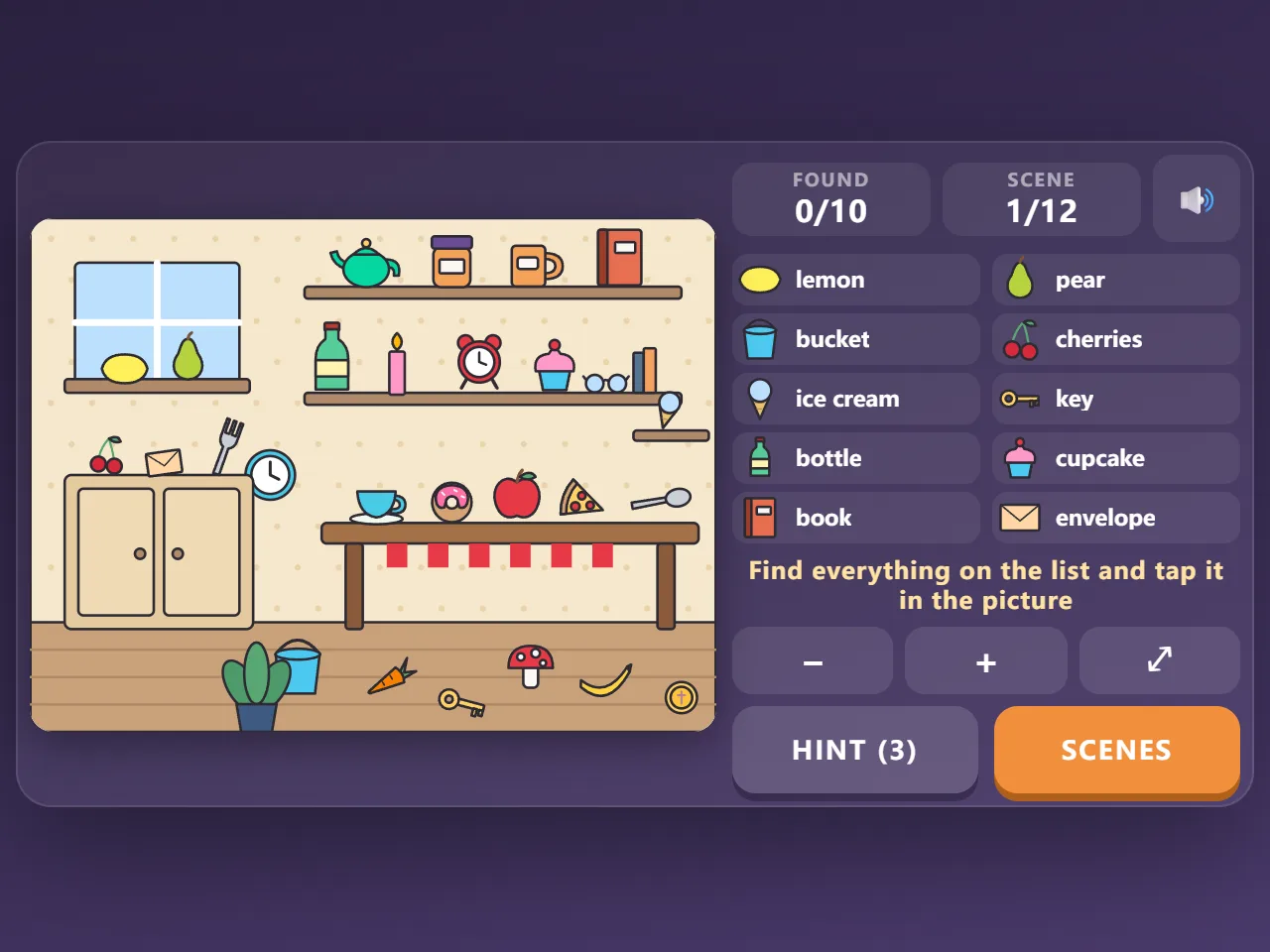
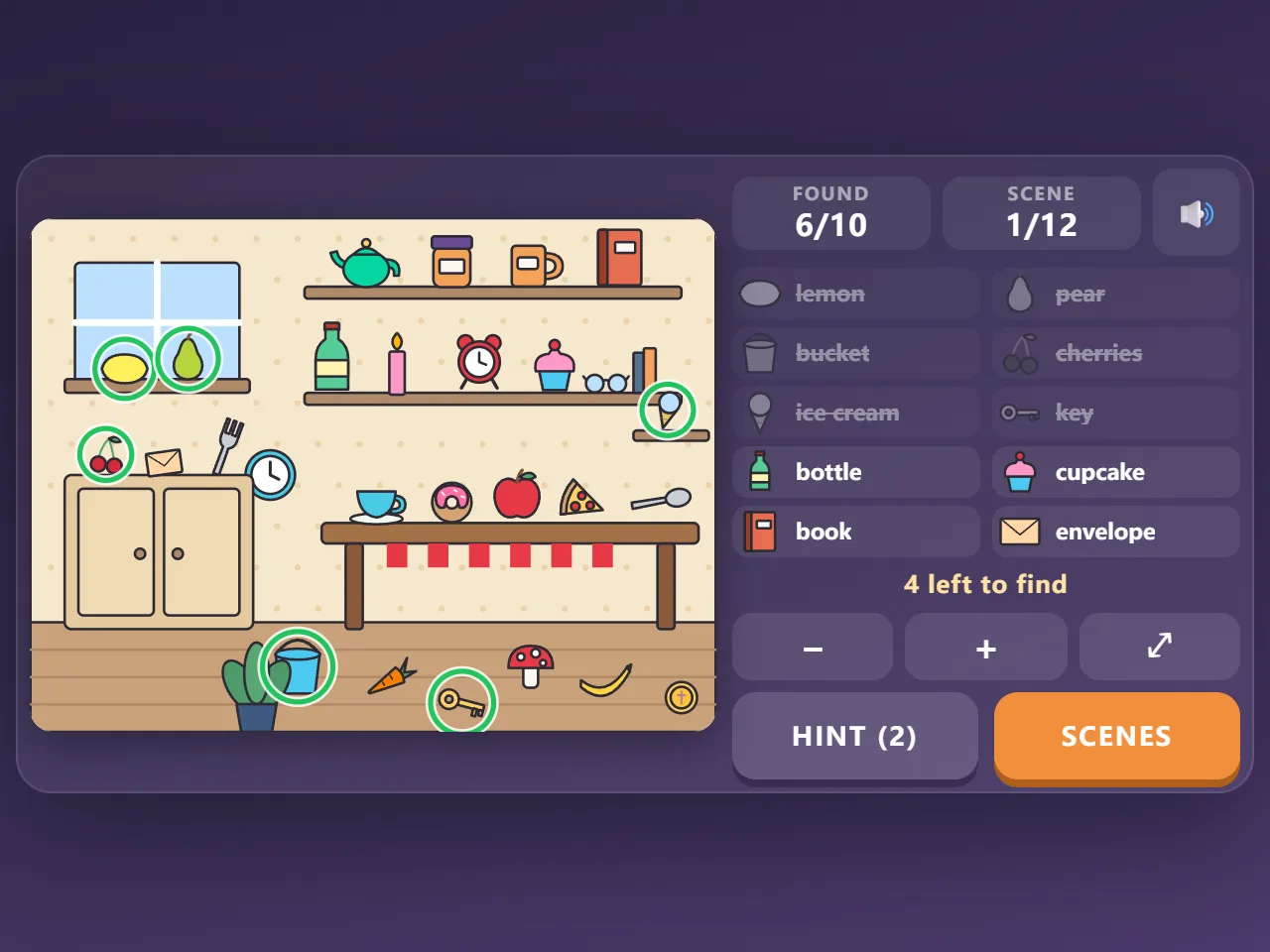
Hidden Objects is a free online seek-and-find game you can play in your browser with no download and no sign-up. Each scene, from a cosy kitchen and a kids' room to a picnic, an attic, a workshop and a winter cabin, is packed with more than twenty everyday things. You get a list of ten with a picture and a name for each: find them in the scene and tap them. Found ones are circled and crossed off. Three hints per round show you where something is, and you can pinch or use the buttons to zoom in on the small things. Play again for a new list from the same scene, or move on: there are 12 scenes and 73 different objects to spot. No timer, no lives, and your progress is saved as you go.
Quick start
- Press Start Game. The scene you played last opens with a list of ten things to find.
- Pick a name on the list and look for it in the picture; each entry has a little drawing to help.
- Tap the object in the picture. It is circled and crossed off the list.
- Find all ten to clear the scene, then choose Next scene or a New list.
How to play Hidden Objects
- There are 12 scenes, each with 22 to 27 different everyday objects drawn into it. Every object appears only once in a scene.
- Each round lists ten of them, picked at random. The rest of the objects are there to look past.
- Tap an object from the list anywhere on it. Tapping something that is not on the list, or empty space, only shows a small red ring: there is no penalty.
- Three hints per round: a hint outlines one object you still have to find and, if you have zoomed in, brings it into view.
- When all ten are found the scene counts as cleared. New list plays the same scene again with a different ten; Next scene goes to a scene you have not cleared yet.
- There is no timer and no lives. Your list, what you have found and the scenes you have cleared are saved as you go.
Controls
- Find an object: tap or click it in the picture
- Zoom: pinch with two fingers, turn the mouse wheel, or use the − and + buttons; ⤢ shows the whole picture again
- Move around a zoomed picture: drag it
- Keyboard: H hint, + and − zoom, 0 whole picture
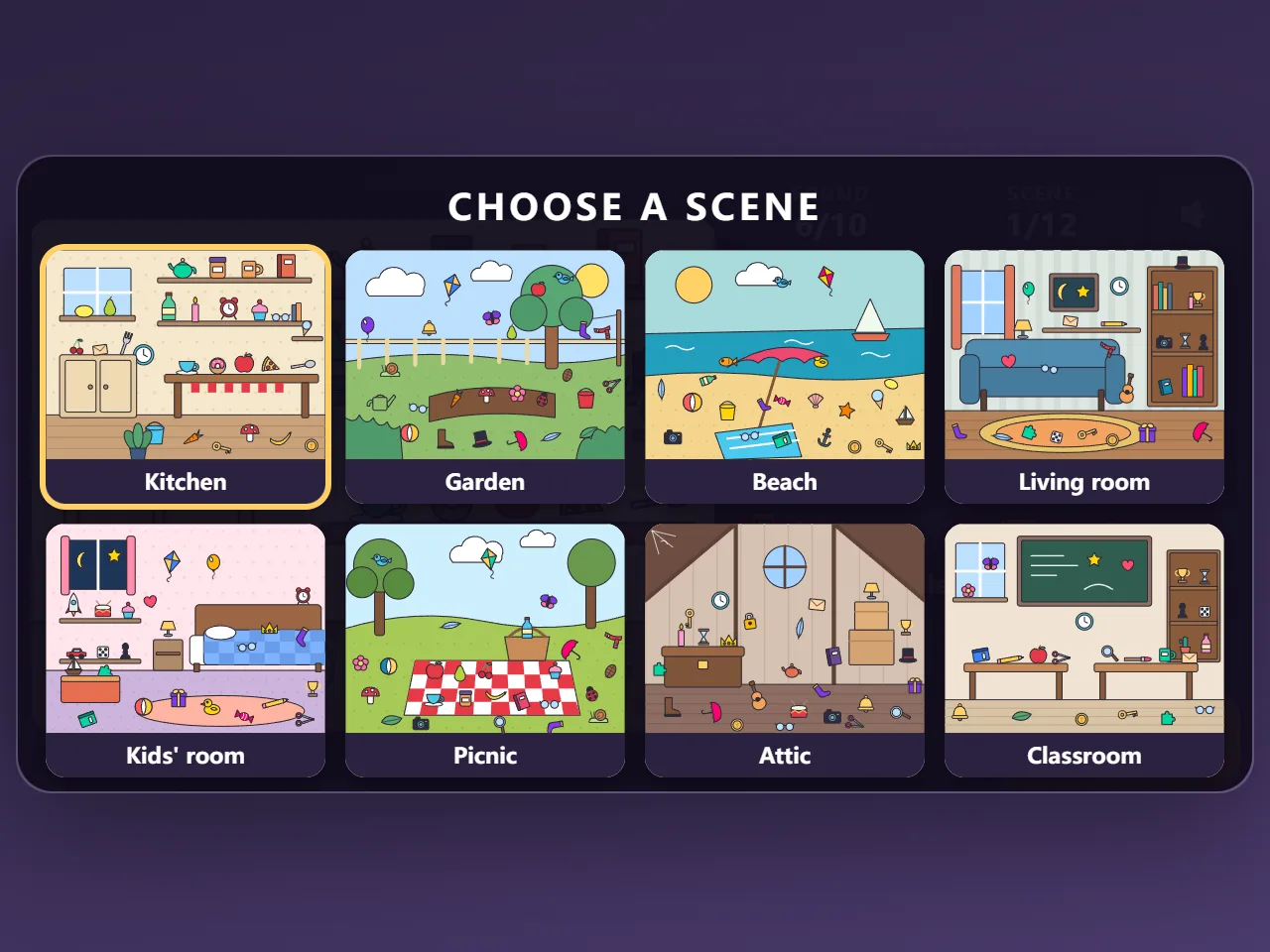
- Scenes: pick any of the 12 scenes; cleared ones have a tick
Tips
- Look at the little drawing on the list, not just the name: shape and colour are what your eyes catch first.
- Things hide in places that suit them less well than you would think: a pine cone in the snow, a key on a rug, a sock on a washing line.
- Sweep the picture from one side to the other instead of jumping around.
- Zoom in on shelves and corners on a phone; small things are much easier to tap.
- Save hints for the last one or two objects.
Frequently asked questions
How many scenes and objects are there?
12 scenes: a kitchen, a garden, a beach, a living room, a kids' room, a picnic, an attic, a classroom, a market, a workshop, the bottom of the sea and a winter cabin, with 73 different objects between them.
Is it the same every time?
No. Every round picks a new list of ten from the scene, so playing a scene again means looking for different things.
Is there a penalty for tapping the wrong thing?
No. A wrong tap just shows a small red ring. There is no timer and no lives.
Can I play on my phone?
Yes. The list sits above the picture in portrait; pinch to zoom in on small objects.
Is Hidden Objects free?
Yes. It is completely free to play in your browser, with no download, no account and no in-game purchases.