Merge Workshop — free online Casual game
Make, merge and craft: 50 hand-drawn pieces, five workbenches and orders that never run out. No energy, no waiting.
Merge Workshop is a free online merge game you can play in your browser with no download and no sign-up. Tap a workbench to make a piece, then drag two matching pieces together to merge them into something better: wood chips become planks, then chairs, tables and a rocking horse; nuts and bolts become gears, a pocket watch and a telescope. Fill the orders at the top for stars, raise your workshop level and unlock new workbenches for thread, clay and paint, five chains of ten pieces in all, each kept in your collection the first time you make it. There is no energy and no waiting: make as much as the board can hold, and drop what you don't need on the recycler. Your workshop is saved as you go.
Quick start
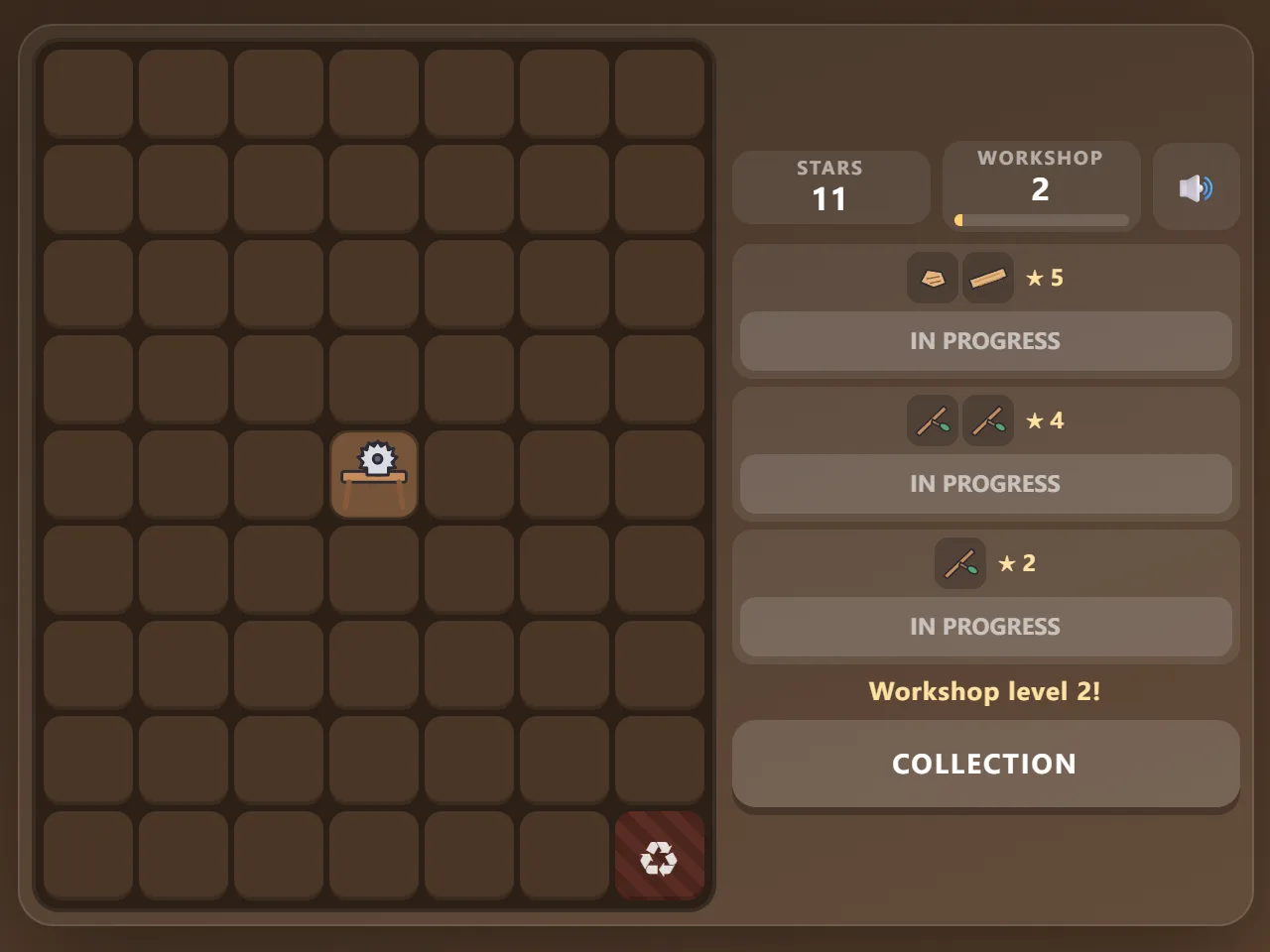
- Press Start Game. Your workshop opens with a saw bench and three orders at the top.
- Tap the glowing saw bench twice: two wood chips appear next to it.
- Drag one wood chip onto the other to merge them into a twig.
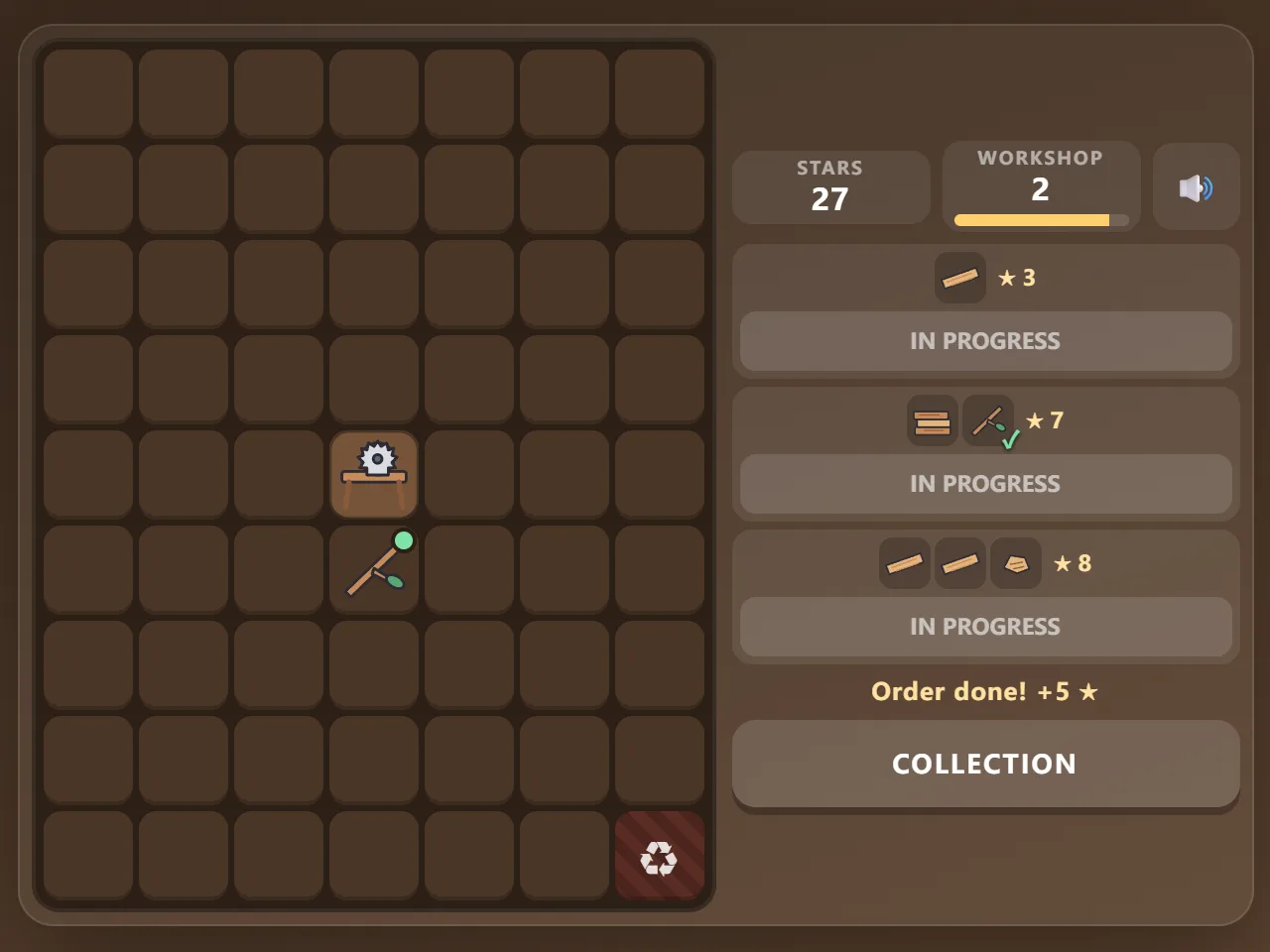
- When an order turns green, tap Hand in to collect its stars.
How to play Merge Workshop
- Tap a workbench to make the first piece of its chain (sometimes the second straight away). It lands on the nearest free square.
- Drag a piece onto an identical one to merge them into the next piece of the chain. Each chain has 10 pieces, from a wood chip to a rocking horse.
- Drop a piece on a different piece or an empty square to move it; drop it on the recycler in the corner to throw it away.
- Orders ask for one to three pieces. A green dot marks pieces on the board that an order wants; Hand in turns green when everything is there.
- Stars raise your workshop level. New workbenches arrive as you level up: the anvil, the spinning wheel, the potter's wheel and the easel.
- Orders never run out and never expire. They start small and ask for bigger pieces as you fill more orders from a chain.
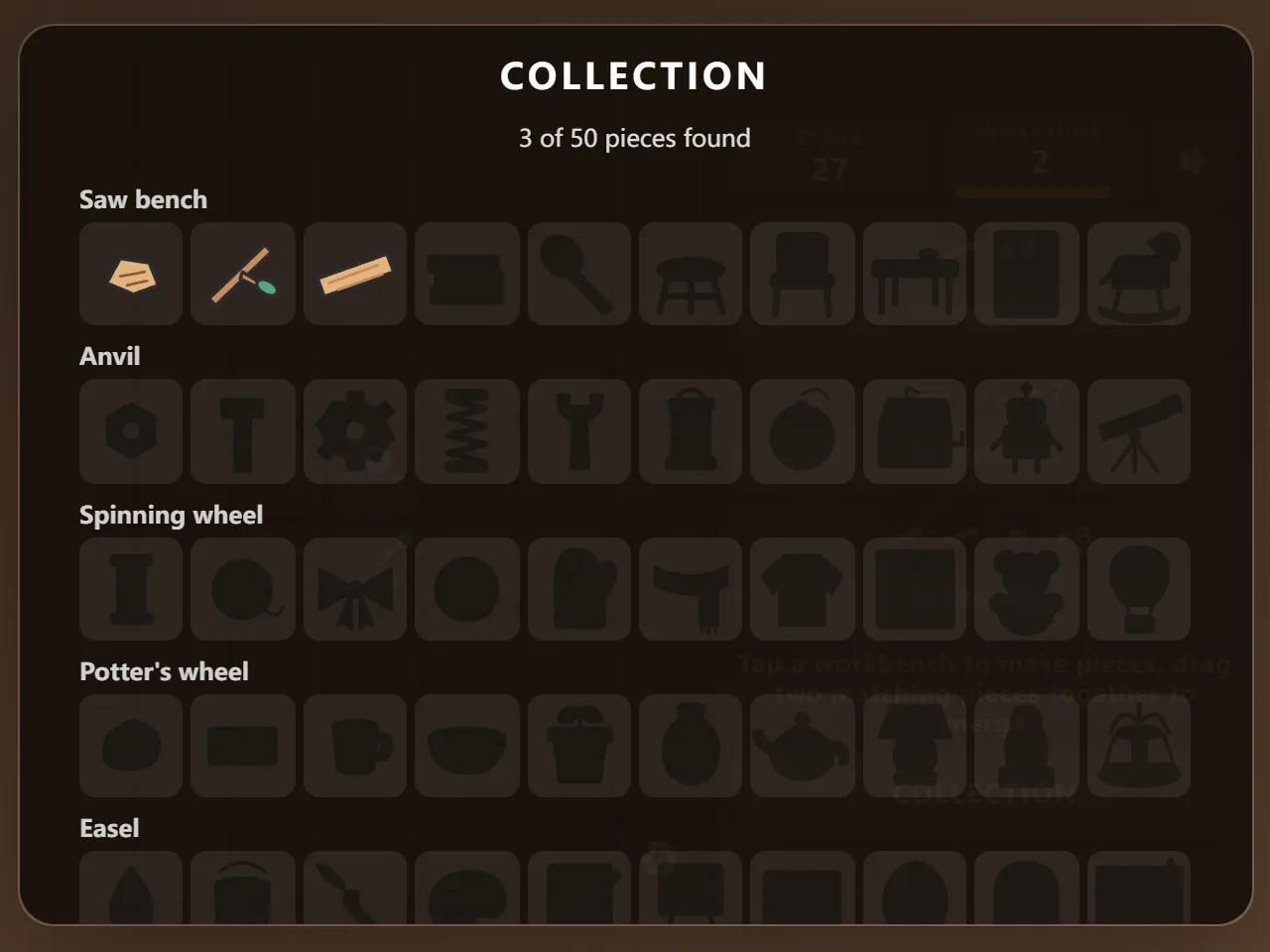
- The collection shows every piece you have made so far: 50 in all.
- There is no energy, no timer and nothing to buy. Your board, orders and collection are saved as you play.
Controls
- Make a piece: tap a workbench
- Merge or move: drag a piece onto another square
- Recycle: drag a piece onto the striped recycler square
- Hand in an order: tap its green button
- Tap a piece to see its name and what it becomes
Tips
- Keep spare low pieces in pairs: two of the same are always one drag away from something useful.
- Merge as you go so the board does not fill up with loose wood chips.
- Move the workbenches you use most next to each other; new pieces appear beside the workbench you tap.
- Look at all three orders before you start: two of them often need the same piece.
- When the board is nearly full, recycle the pieces no order wants rather than the ones that do.
Frequently asked questions
Is there energy or waiting?
No. Workbenches make pieces whenever you tap them. The only limit is space on the board, and the recycler frees it up.
How many pieces are there?
50: five chains (woodwork, metalwork, threads, clay and paint) of ten pieces each, plus five workbenches.
Do orders expire?
No. Orders stay until you hand them in, and they come back exactly as they were when you return.
Is my workshop saved?
Yes. The board, the orders, your stars and your collection are saved in your browser after every move.
Is Merge Workshop free?
Yes. It is completely free to play in your browser, with no download, no account and no in-game purchases.