Rhythm Grid — free online Arcade game
Four lanes, eight original songs: tap and hold the notes on the beat, from relaxed to frantic.
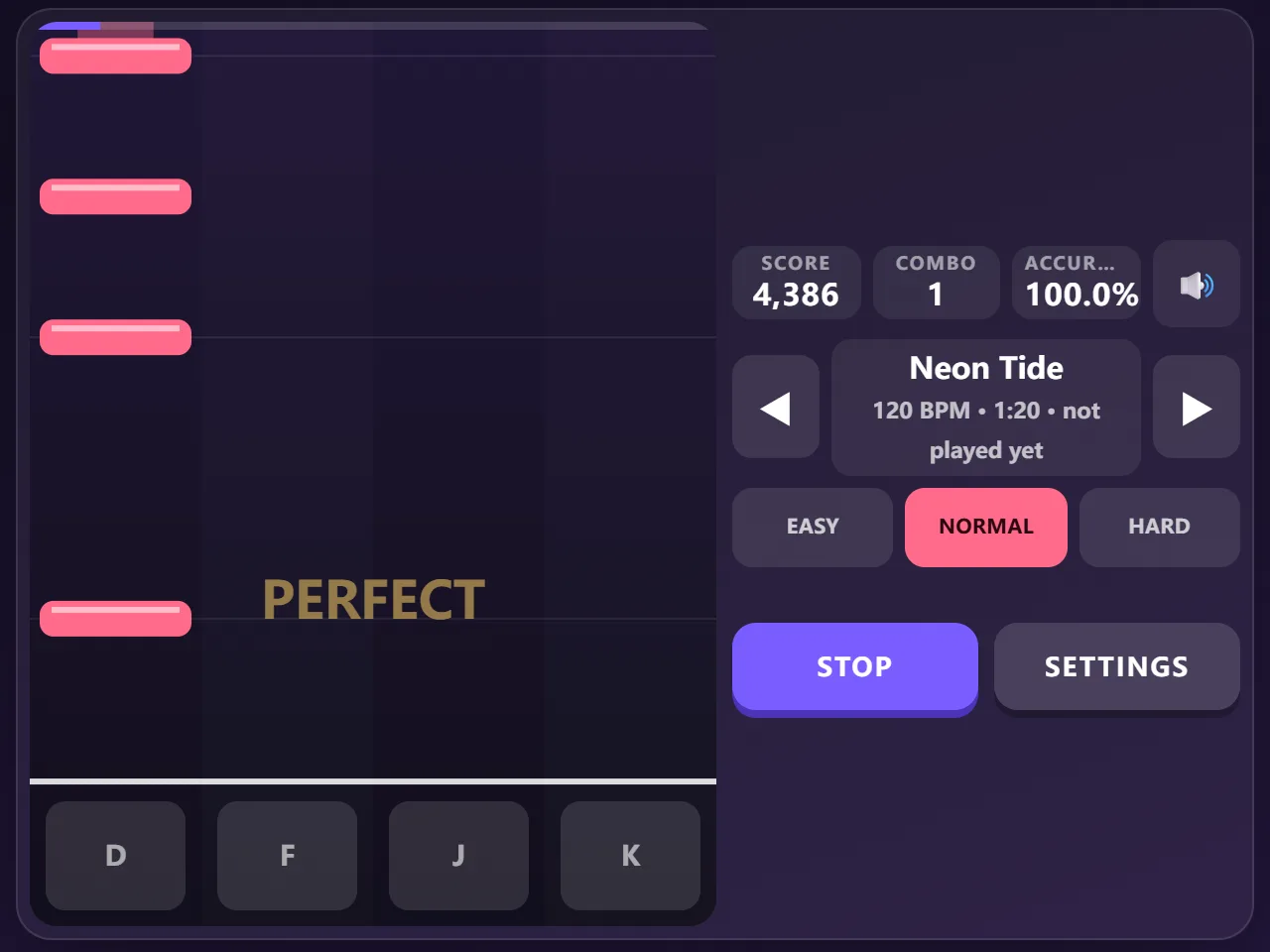
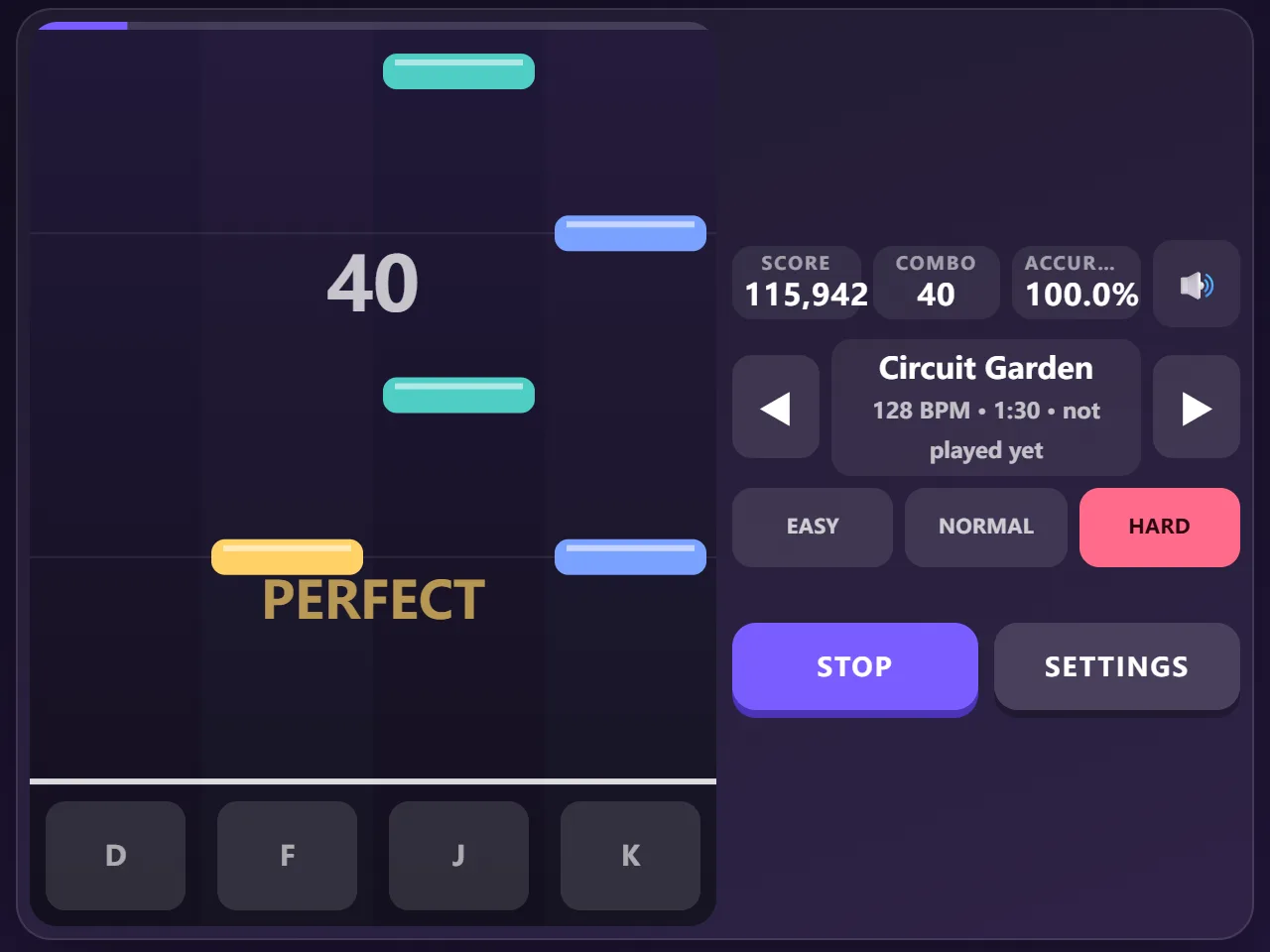
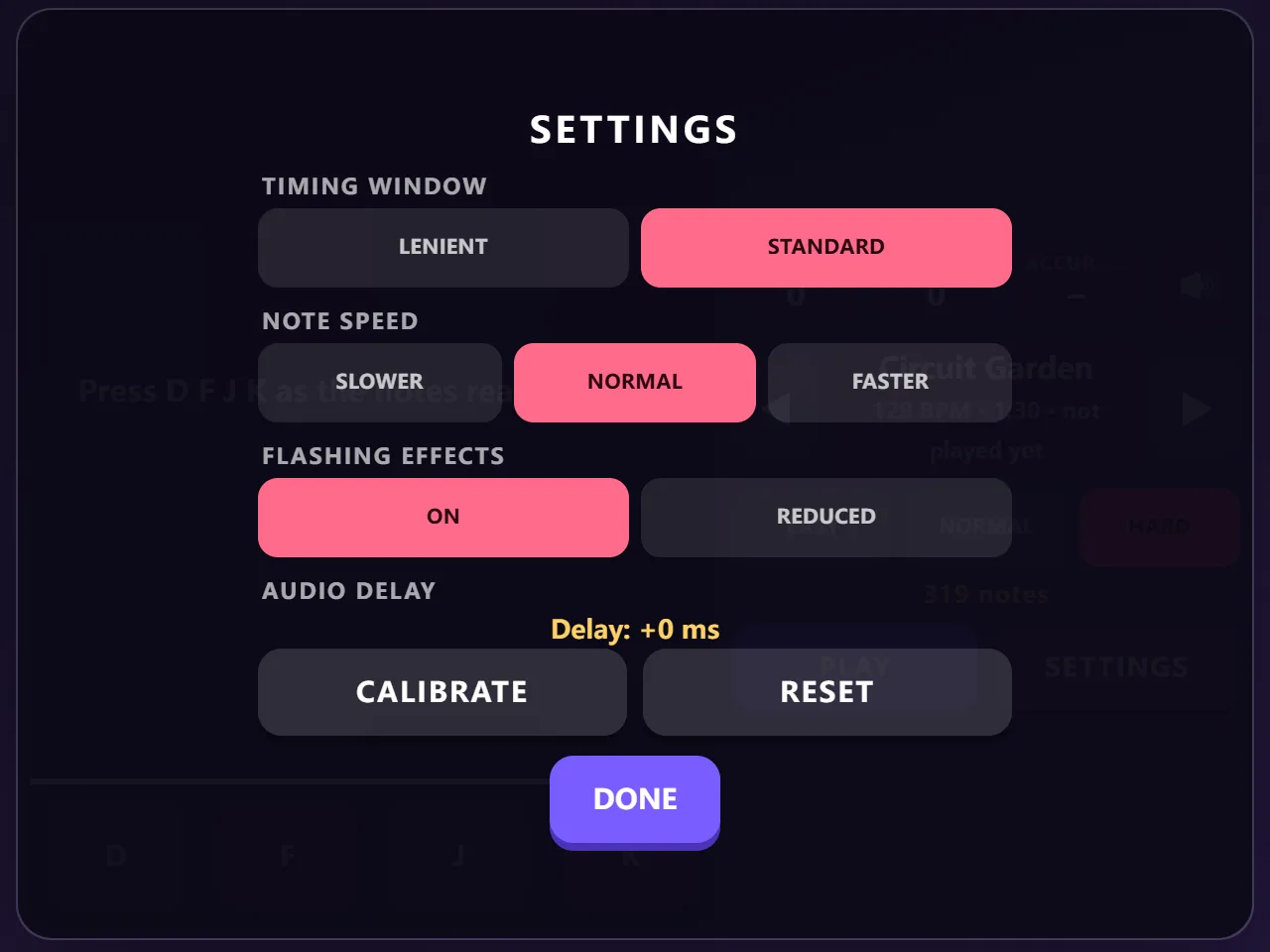
Rhythm Grid is a free online rhythm game you can play in your browser with no download and no sign-up. Notes fall down four lanes in time with the music; tap each lane as its note reaches the line, and hold the long notes until they end. Every song is original, composed for this game and played live by your browser's synthesiser, from a laid-back night tram ride at 84 BPM to a 160 BPM sprint, and each has an easy, normal and hard chart built from its own drums and melody. Perfect, great and good hits build your combo and score, with a grade from D to S at the end. Choose a lenient or standard timing window, slow down or speed up the notes, calibrate the audio delay of your speakers or headphones in a few seconds, and turn the flashing effects down if you prefer. Play with D F J K on a keyboard or tap the lanes on a touch screen.
Quick start
- Press Start Game, pick a song with the arrows and a difficulty (Easy is a good start), then press Play. Turn your sound on.
- Notes fall down four lanes. When a note reaches the line, press its key (D F J K) or tap its lane.
- Long notes have a tail: keep the key or finger down until the tail has passed the line.
- If the notes feel early or late, open Settings and press Calibrate, then tap along with the clicks.
How to play Rhythm Grid
- Hit each note as it crosses the line. The closer you are, the better the judgement: Perfect, Great, Good. A note that goes past untouched is a Miss.
- Pressing a lane when no note is near does nothing, so there is no penalty for a stray tap.
- Hold notes count twice: once for the press, once for keeping it down to the end (you can let go a moment early).
- Hits build your combo; a miss breaks it. Your score is out of 1,000,000 and the grade goes from D to S by accuracy (S is 95 % or more).
- Each of the eight original songs has three charts. Easy follows the drums, normal follows the melody, hard adds drums under the melody and two-note chords on strong beats.
- The timing window can be standard or lenient. Note speed only changes how far ahead you see the notes, not when they must be hit.
- Your best score and grade are kept for every song and difficulty.
Controls
- Lanes 1–4: D F J K (or ← ↓ ↑ →)
- Touch: tap the lanes, several fingers at once for chords
- Hold notes: keep the key or finger down
- Choose a song: ◀ ▶; Play / Stop: the Play button
- Settings: timing window, note speed, flashing effects, audio delay calibration
Tips
- Listen more than you look: the notes are the drums and melody you hear.
- Calibrate once with the headphones or speakers you actually use; Bluetooth headphones usually need it.
- If most hits say 'late', press a touch earlier, or calibrate again.
- Slow the notes down to read busy passages, speed them up if they feel crowded at the top.
- Paper Lanterns and Midnight Tram are the gentlest songs; Starlight Relay is the fastest.
Frequently asked questions
Where does the music come from?
All eight songs were written for this game. They are stored as notes, chords and drum patterns and played by your browser's built-in synthesiser, so there are no recordings or third-party songs.
The notes don't match the music. What can I do?
Open Settings and press Calibrate, then tap along with the high clicks. The game measures your speaker or headphone delay and shifts the timing. Bluetooth audio often adds a noticeable delay.
Can I make the flashing calmer?
Yes. In Settings, set Flashing effects to Reduced: the beat pulse and lane flashes are turned off and held lanes glow more softly.
Can I play on a phone?
Yes. Tap the four lanes; you can use several fingers at once for chords and holds.
Is Rhythm Grid free?
Yes. It is completely free to play in your browser, with no download, no account and no in-game purchases.