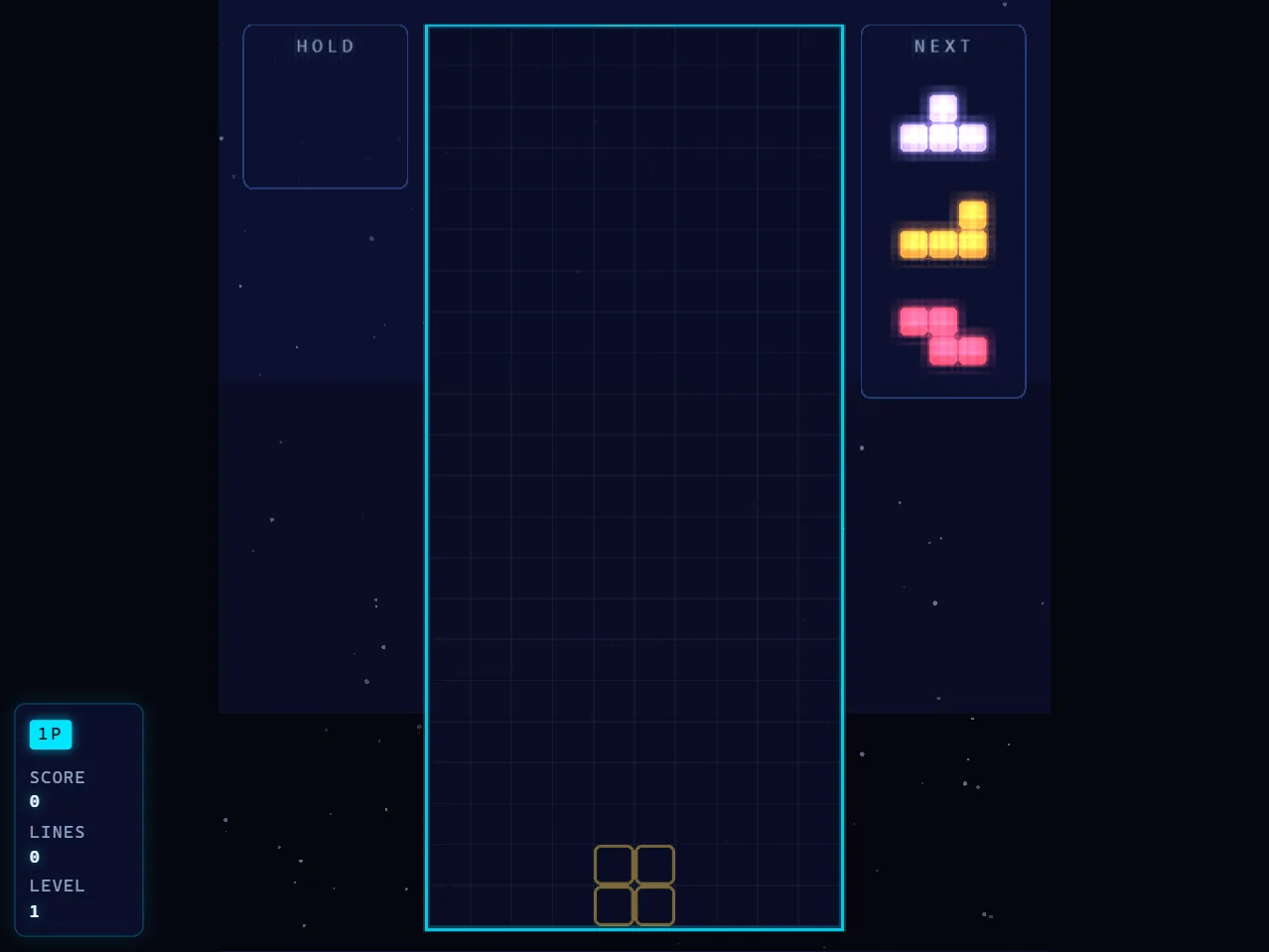
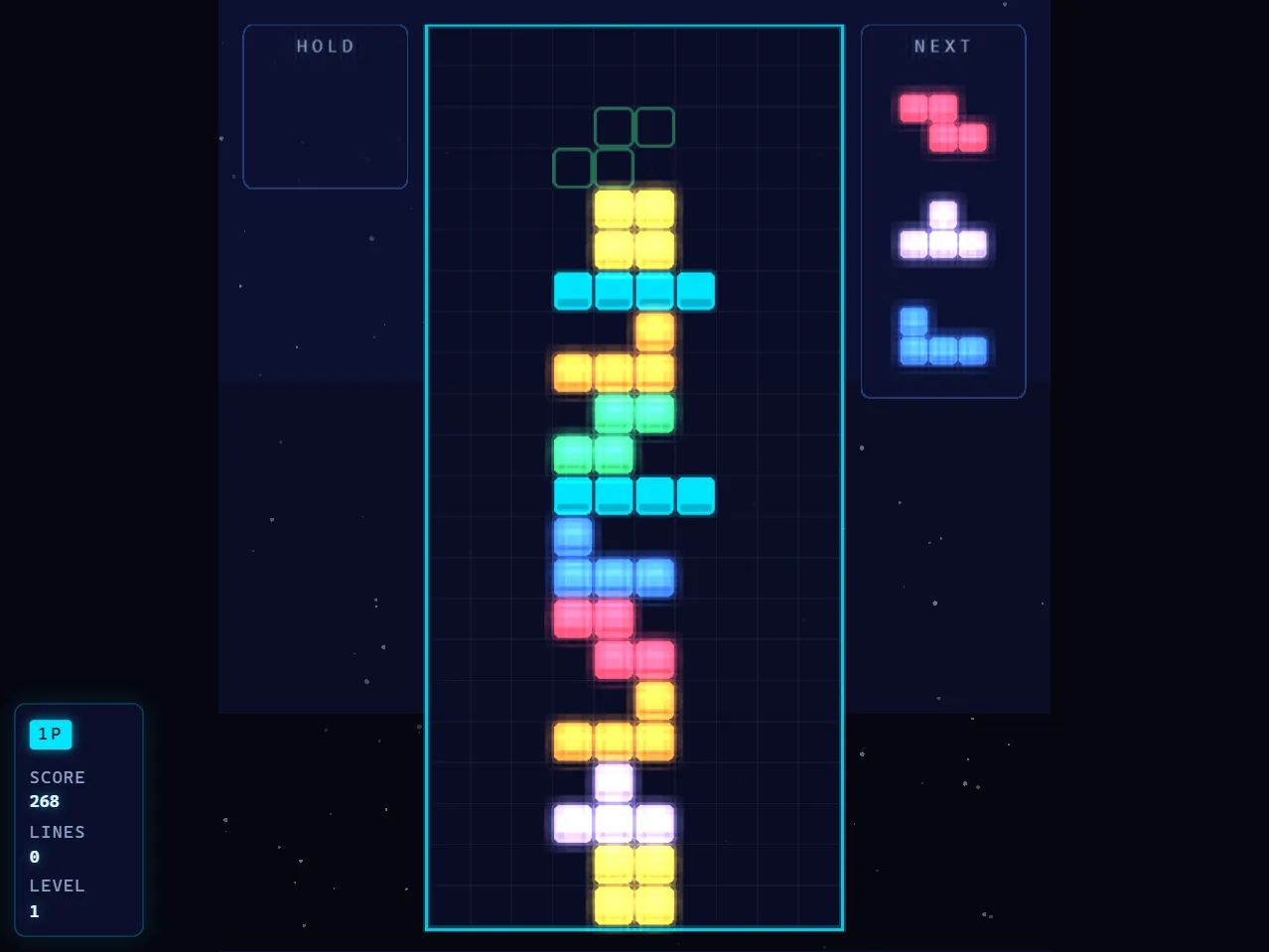
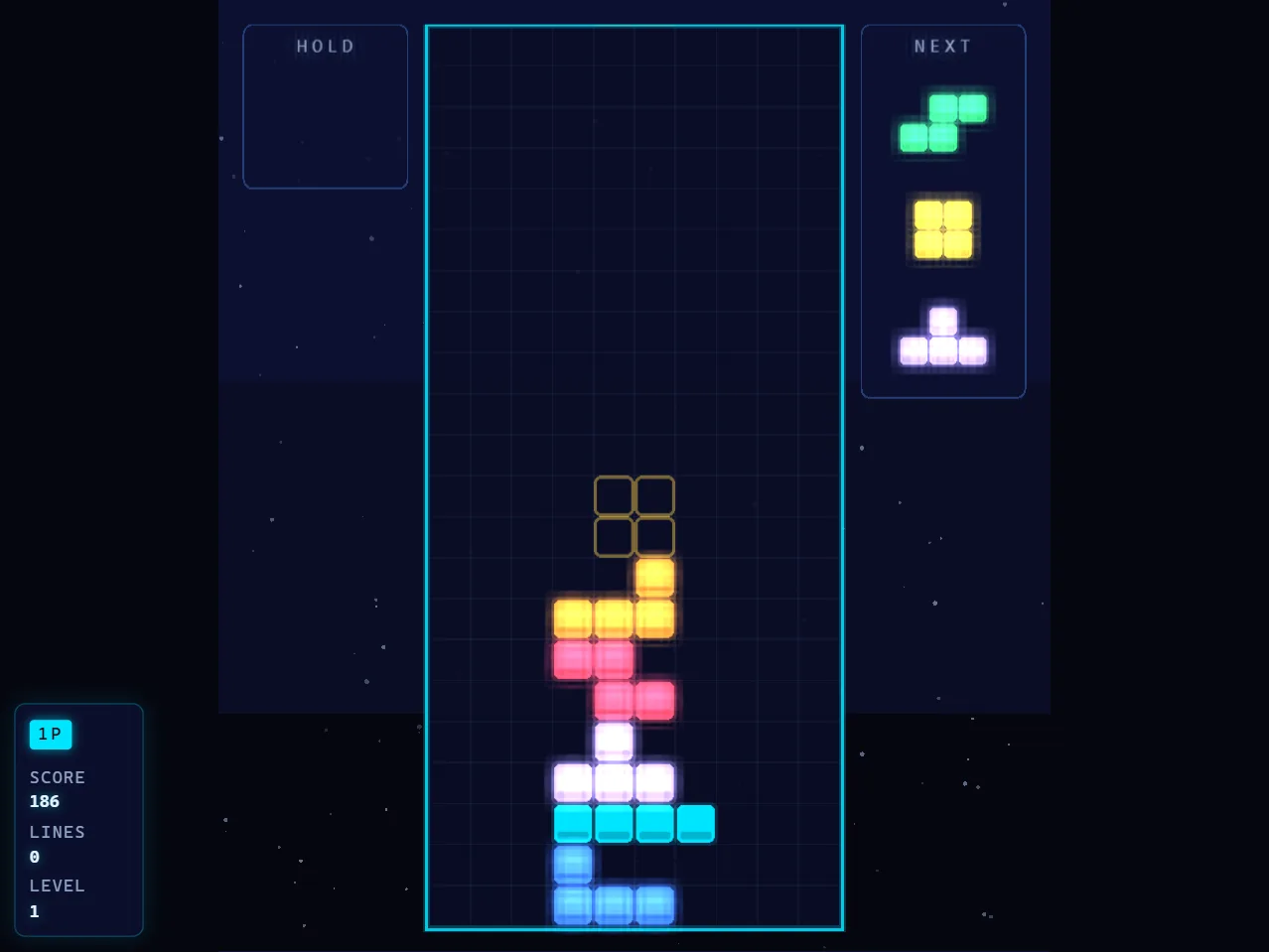
Neon Blocks — free online Puzzle game
The falling-block classic, rebuilt with a neon glow.
Neon Blocks is a free online falling-block puzzle game. Rotate and drop pieces, clear lines and keep the stack flat as the gravity curve speeds up every fifteen seconds. Play solo in arcade mode, split the screen for a two-player battle with garbage rows, or hand one side to the AI. Runs in your browser with no download and no sign-up.
How to play Neon Blocks
- Clear a full horizontal line to remove it and score.
- Gravity speeds up about 5% every 15 seconds, so plan further ahead as the run goes on.
- Use the hold slot to park a piece you cannot place yet.
- In battle modes, clearing two or more lines at once sends garbage rows to the other board.
Controls
- Move: A / D
- Soft drop: S
- Hard drop: W, Space or Enter
- Rotate: H (or Z / X)
- Hold piece: J, C or Shift
- Pause: P
Frequently asked questions
Is Neon Blocks free?
Yes. It is a free browser game with no download, no sign-up and no ads between rounds.
Can two people play on one keyboard?
Yes. Versus mode splits the screen; player one uses WASD, player two uses the arrow keys and numpad.
Does it work on a phone?
Keyboard input is required, so it plays best on a desktop or laptop browser.