Jigsaw Puzzle — free online Puzzle game
Sixteen bright pictures, 12 to 96 pieces, real tab-and-blank shapes.
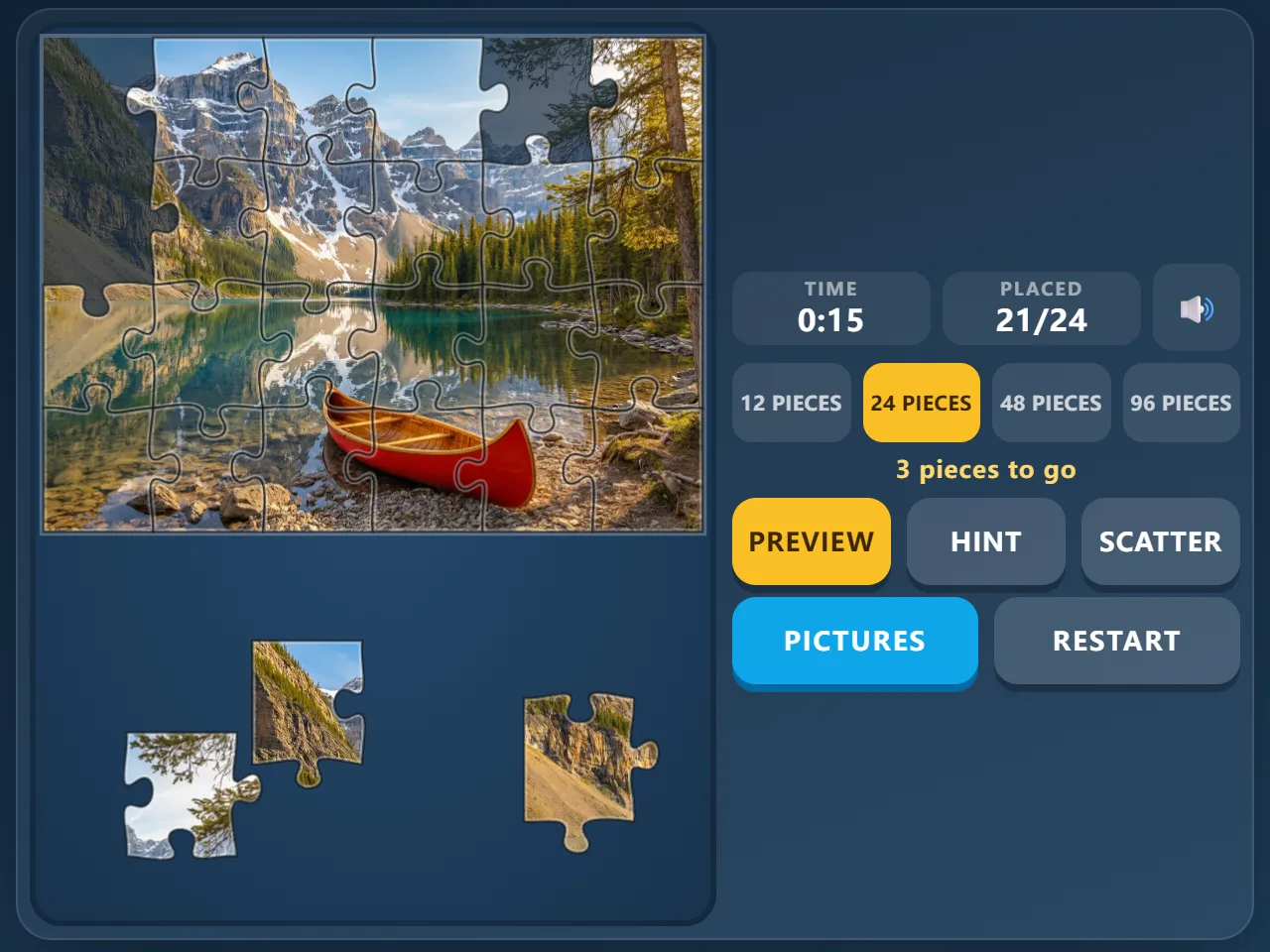
Jigsaw Puzzle is a free online jigsaw game with sixteen colourful pictures — a mountain lake, hot air balloons, a coral reef, tulip fields, kittens, a fruit market and more. Choose 12, 24, 48 or 96 pieces; every puzzle is cut fresh with classic tab-and-blank pieces. Drag a piece close to its spot in the frame and it snaps into place. Peek at the faint preview, ask for a hint, or scatter the loose pieces again when the table gets messy. Your progress is saved automatically, and your best time for every picture is kept. Works with a mouse or a finger, no download, no sign-up.
Quick start
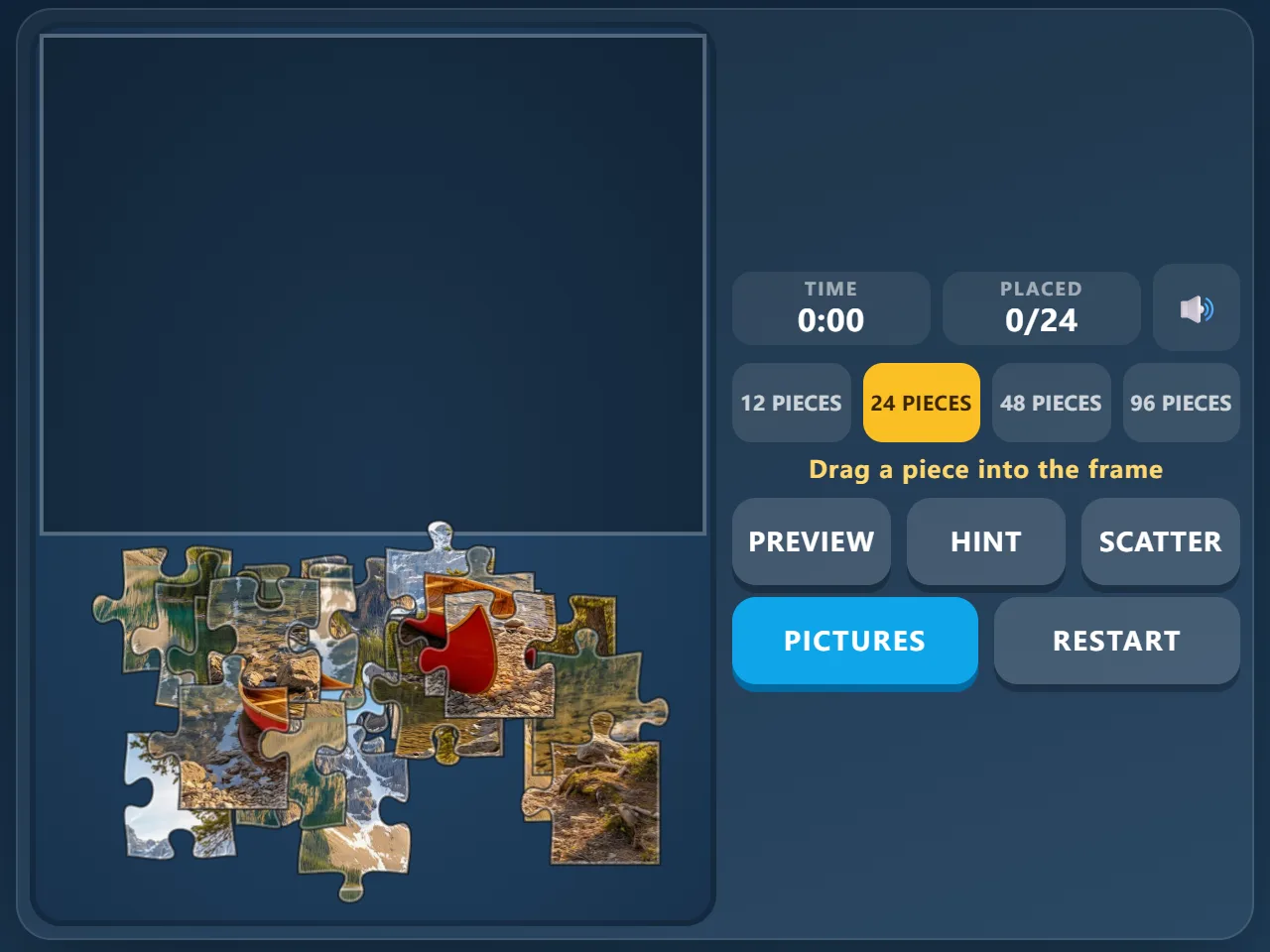
- Press Start. A picture is already cut up and the pieces are spread around the frame.
- Choose 12, 24, 48 or 96 pieces in the side panel, or tap Pictures to pick another image.
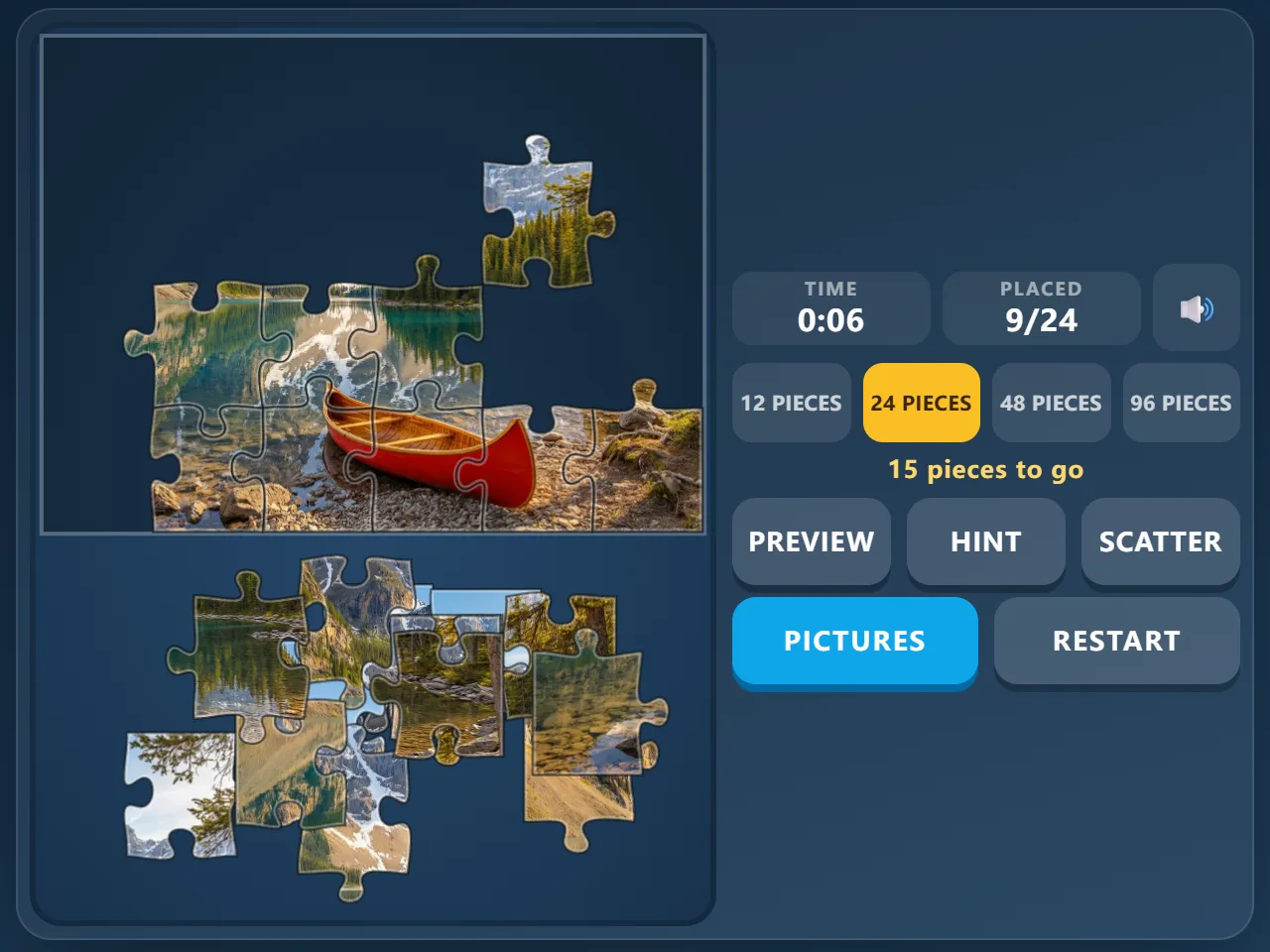
- Drag a piece to where it belongs in the frame; let go close to its spot and it snaps in.
- Place every piece to finish the picture. The clock starts with your first move.
How to play Jigsaw Puzzle
- Every puzzle is cut fresh: each piece has straight sides along the border and tabs or blanks where it meets its neighbours, just like a cardboard jigsaw.
- Pieces only fit their own spot. Drop a piece near the right place and it locks into the frame; anywhere else, it stays where you left it on the table.
- Locked pieces cannot be moved again, so the frame fills up as you go.
- The puzzle is finished when every piece is in place. Your time and the number of hints you used are shown, and the best time for each picture and piece count is kept.
- Your puzzle is saved as you play: close the page and you can carry on where you stopped next time.
Controls
- Move a piece: drag it with the mouse or your finger
- Preview: shows the picture faintly inside the frame (P on the keyboard)
- Hint: slides one piece into its place (H on the keyboard)
- Scatter: spreads the loose pieces around the frame again
- Pictures: choose another picture; Restart: cut the same picture again
Tips
- Start with the border: pieces with a straight side belong on the edge of the frame, and corner pieces have two.
- Sort by colour: sky, water and grass pieces are easy to group before you place them.
- Look for the details that stand out — a red canoe, a lighthouse, a parrot's beak — and build outward from them.
- Use the preview sparingly; a quick look is often enough to see where a colour belongs.
- On a phone, start with 12 or 24 pieces; 96 pieces is best on a large screen.
Frequently asked questions
How many pictures are there?
Sixteen: a mountain lake, hot air balloons, a coral reef, tulip fields, kittens, a fruit market, a lighthouse, a garden with a red bridge, a beach, an autumn village, a fox in the snow, a bakery, a canal town, parrots, northern lights and outer space. Each can be played with 12, 24, 48 or 96 pieces.
Is my progress saved?
Yes. The pieces you have placed, where the loose pieces are and your time are saved in your browser after every move, so you can come back later and continue.
Do pieces stick to each other off the board?
No. Each piece snaps into its own place in the frame; pieces lying on the table do not join up with each other.
Is Jigsaw Puzzle free?
Yes. It is completely free to play in your browser, with no download, no account and no in-game purchases.
Can I play on my phone?
Yes. Drag pieces with your finger. The frame sits at the top and the pieces below it; landscape gives you more table space.