Code Breaker — free online Puzzle game
Crack the computer's secret colour code with logic and as few guesses as you can.
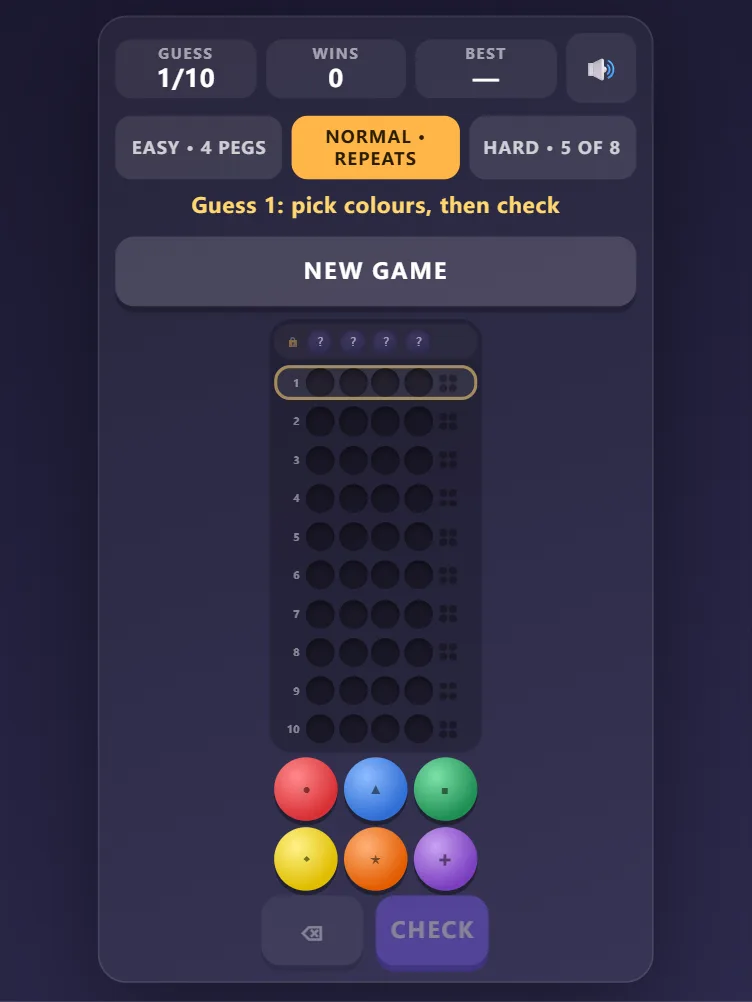
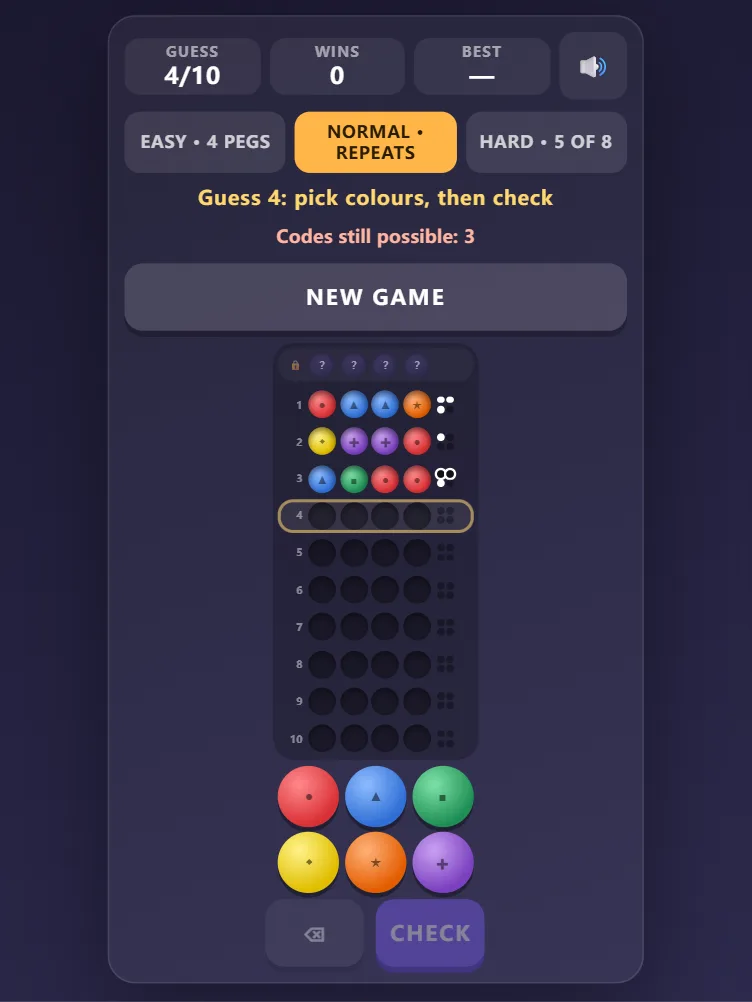
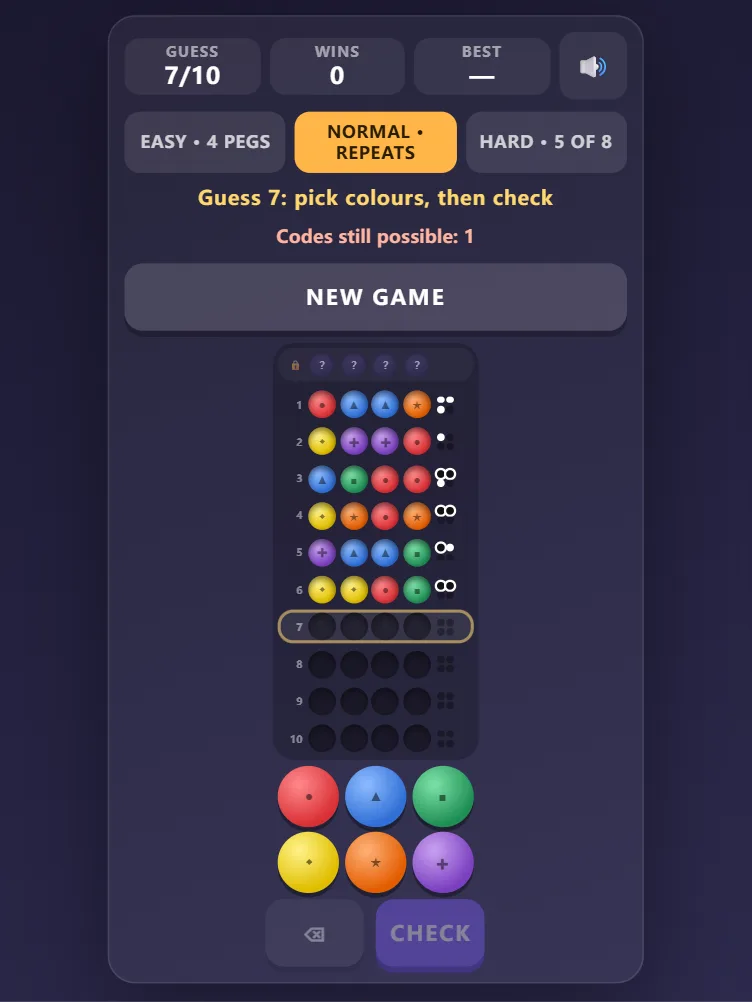
Code Breaker is a free online logic game: the computer hides a secret code of coloured pegs and you have ten tries to crack it. After every guess a black marker means a colour in the right place and a white marker means a right colour in the wrong place. Easy uses four different colours, normal allows repeats, and hard asks for five pegs from eight colours with twelve tries. A counter shows how many codes are still possible, and your fewest-guess records are saved. Play in your browser with no download and no sign-up.
Quick start
- Press Start. Normal is a good first level; easy uses four different colours.
- Tap colours in the palette to fill the highlighted row, then press Check.
- Read the markers next to your guess and use them to make a better guess.
- Crack the code within ten guesses — the fewer, the better.
How to play Code Breaker
- The computer picks a secret code: four pegs from six colours (five pegs from eight colours on hard).
- Each guess is a full row of pegs. When you press Check, the row is scored.
- A black marker means one peg has the right colour in the right place. A white marker means one peg has a right colour but in the wrong place. The markers do not tell you which pegs they belong to.
- Each peg in the code is counted only once, so a colour you guess twice earns at most as many markers as it appears in the code.
- On easy the code never repeats a colour; on normal and hard the same colour can appear more than once.
- You win when a guess earns a black marker for every peg. You have ten guesses on easy and normal, twelve on hard.
Controls
- Add a peg: tap a colour, or press 1–8
- Remove a peg: tap it in the current row, or press Backspace
- Check the guess: the Check button or Enter
- New game: the New game button or a difficulty button
Strategy tips
- Start with guesses that use several different colours: the first two or three rows should tell you which colours are in the code.
- Only make guesses that agree with every answer so far — the "codes still possible" counter tells you how much is left.
- If a guess scores no markers at all, every colour in it is out of the code: that is useful information, not a wasted row.
- Each peg also shows a shape, so you can tell colours apart even if some look alike to you.
Frequently asked questions
What do the black and white markers mean?
Black: a peg of the right colour in the right position. White: a peg of a colour that is in the code but in a different position. Their order does not match the order of your pegs.
Can the code contain the same colour twice?
On normal and hard, yes. On easy, every peg in the code is a different colour.
Is Code Breaker free?
Yes. It is completely free to play in your browser, with no download, no account and no in-game purchases.
Is my record saved?
Your wins and your fewest-guess record for each difficulty are saved in your browser on this device. Clearing site data resets them.
Can I play on my phone?
Yes. The palette is made for touch screens, and the board resizes for portrait and landscape screens.