Chess Hall — free online Board game
Chess, Chinese chess, go and gomoku against a tunable AI.
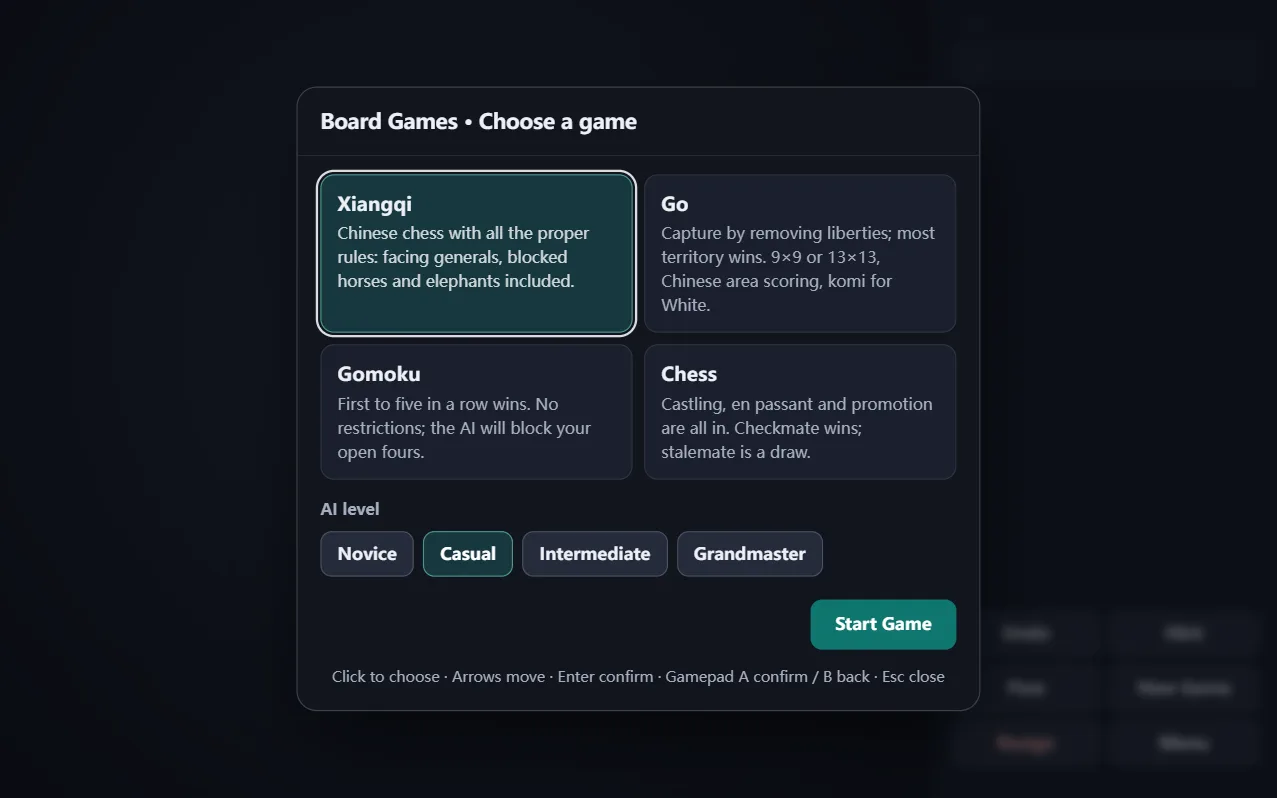
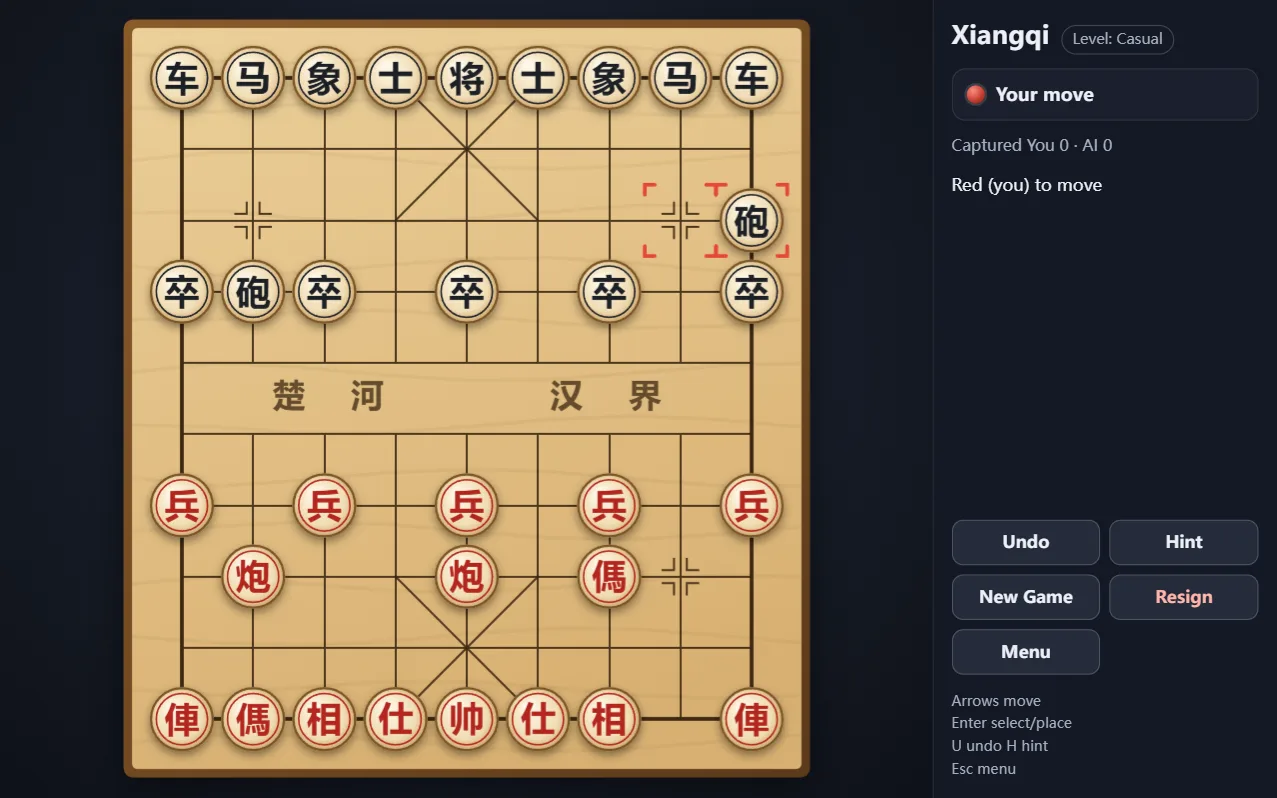
Chess Hall is a free online board game collection: international chess, Chinese chess (xiangqi), go and gomoku (five in a row), all against a computer opponent whose strength you can tune from beginner to punishing. Move hints, undo and take-back are available in every game. Free in your browser, no download, no sign-up.
How to play Chess Hall
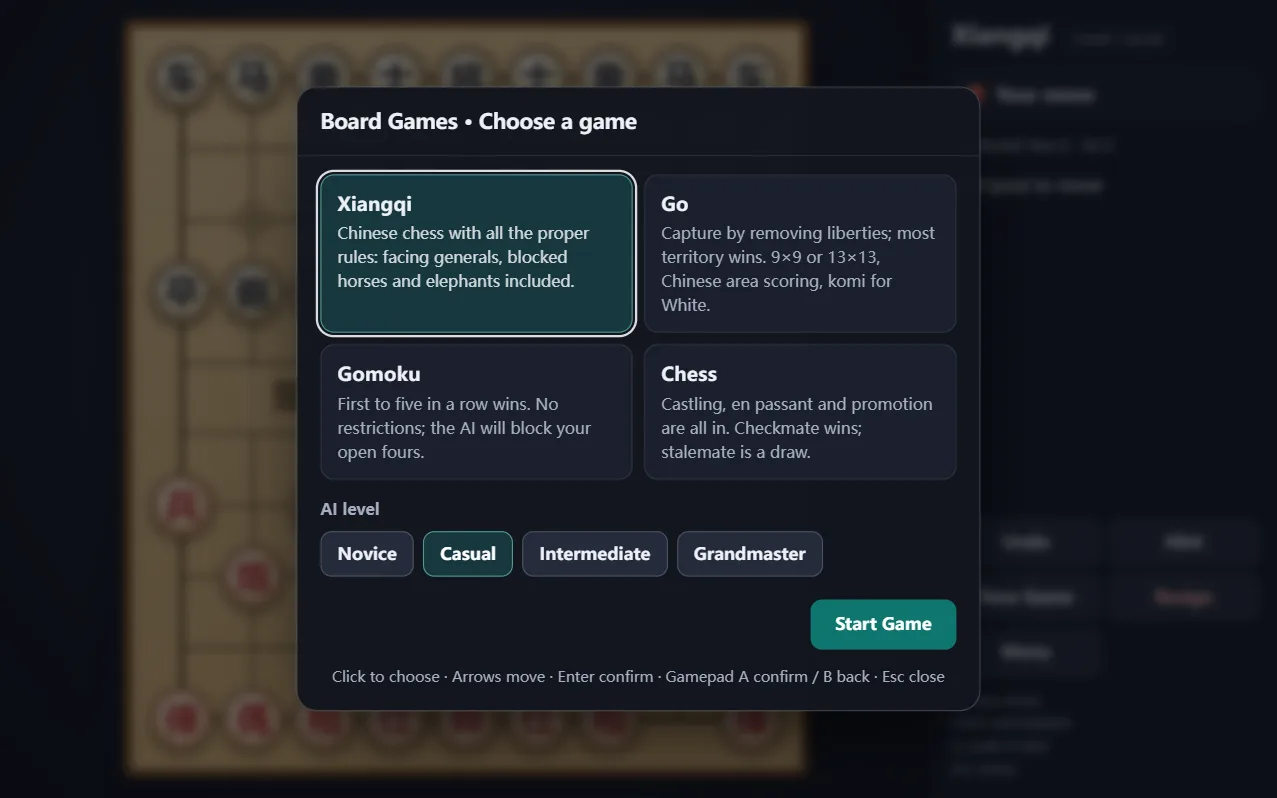
- Pick a game from the hall, then choose the AI strength.
- Chess and xiangqi: checkmate or capture the opposing king or general.
- Go: surround more territory than your opponent.
- Gomoku: get five stones in a row before your opponent does.
Controls
- Click a piece then a destination square to move
- Use the toolbar for hint, undo and restart
- Keyboard: arrow keys to move the cursor, Enter to select
Frequently asked questions
Which board games are included?
International chess, Chinese chess (xiangqi), go and gomoku.
Can I adjust the AI difficulty?
Yes, each game offers several levels from beginner to very strong.
Is Chess Hall free?
Yes, all four games are free to play in the browser.