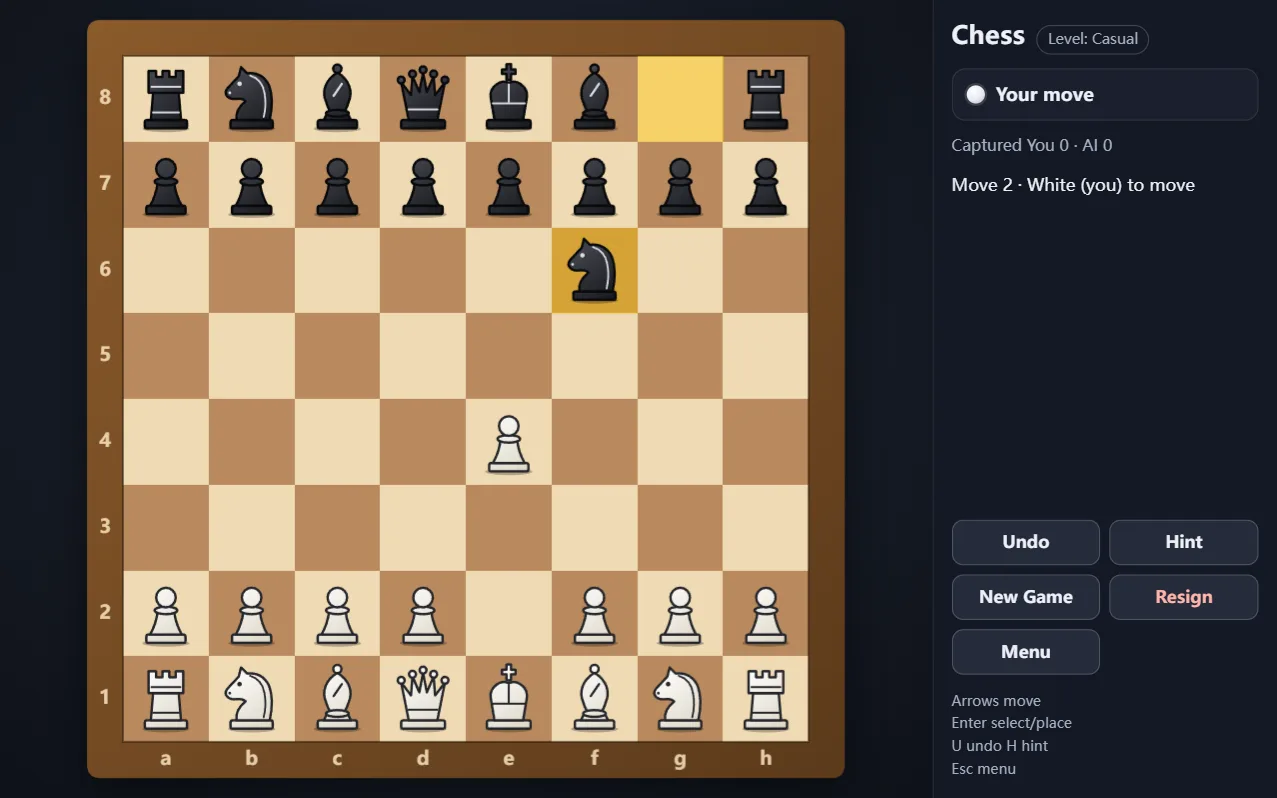
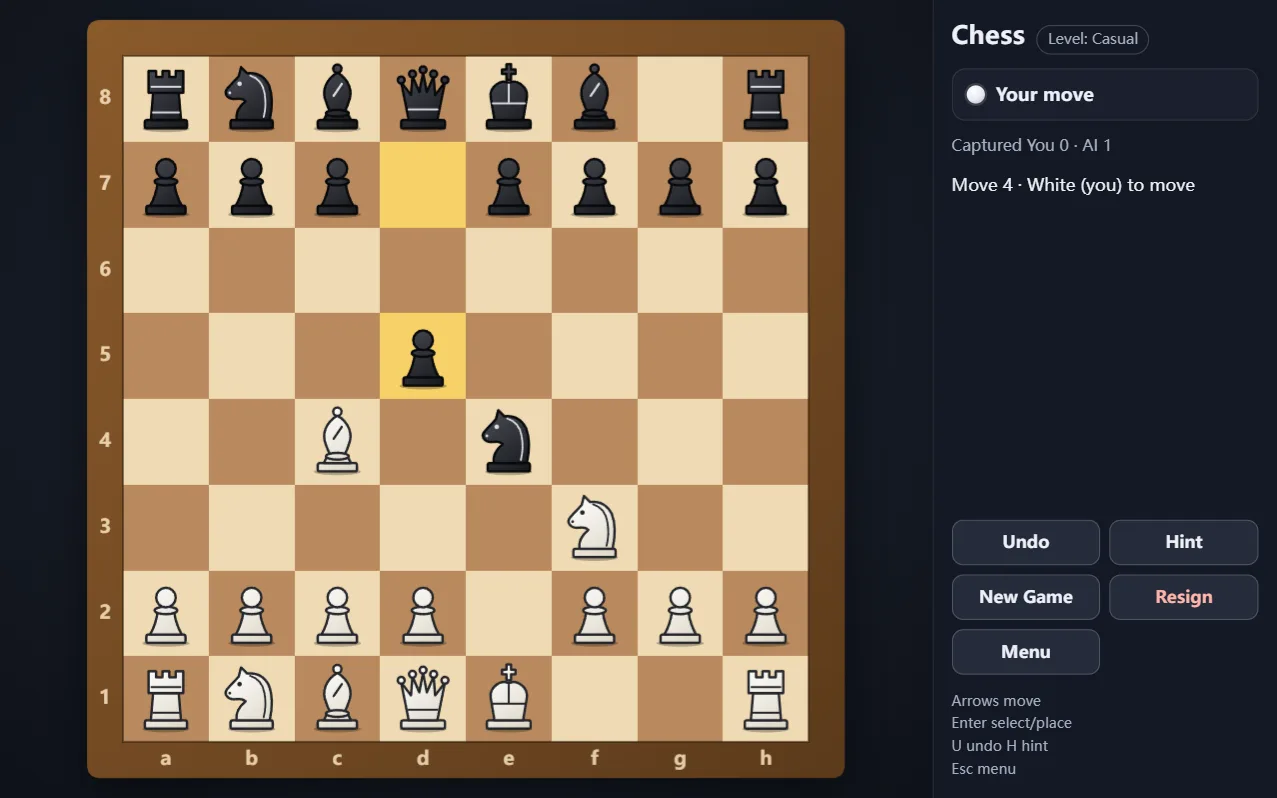
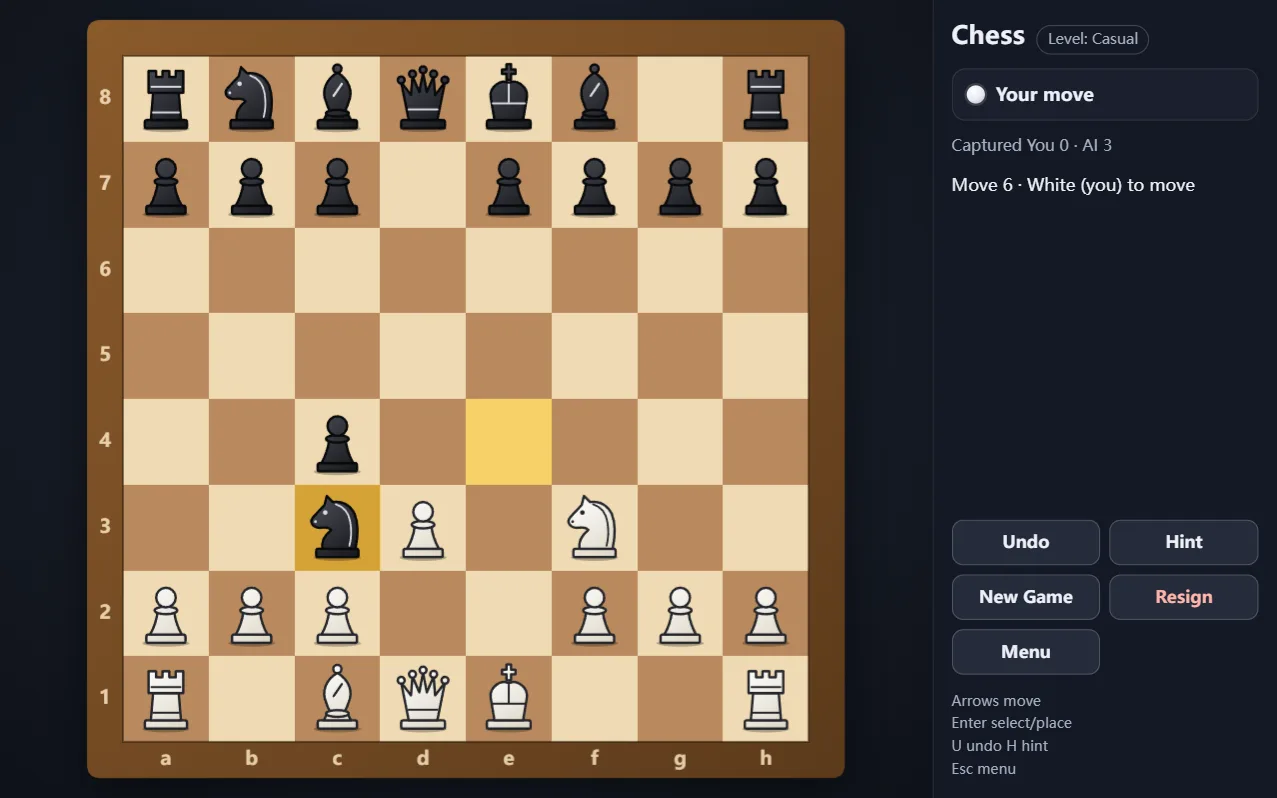
Chess — free online Board game
Classic chess against an AI from Novice to Grandmaster.
Chess is free to play in your browser with no download and no sign-up. Play against a computer opponent with castling, en passant and pawn promotion all supported; checkmate wins and stalemate is a draw. Choose one of four AI levels: Novice, Casual, Intermediate and Grandmaster.
How to play Chess
- Each side starts with sixteen pieces; White moves first.
- Win by checkmate: the enemy king is in check and has no legal way out.
- Special moves are supported: castling, capturing en passant and promoting a pawn on the last rank.
- If the side to move has no legal move and is not in check, the game is a stalemate and ends in a draw.
Frequently asked questions
How strong is the computer?
You choose: there are four AI levels: Novice, Casual, Intermediate and Grandmaster.
Is chess free to play here?
Yes. It is free in your browser with no download or sign-up.