Billiards — free online Arcade game
8-ball pool on a full-size table: pot your group, then sink the 8.
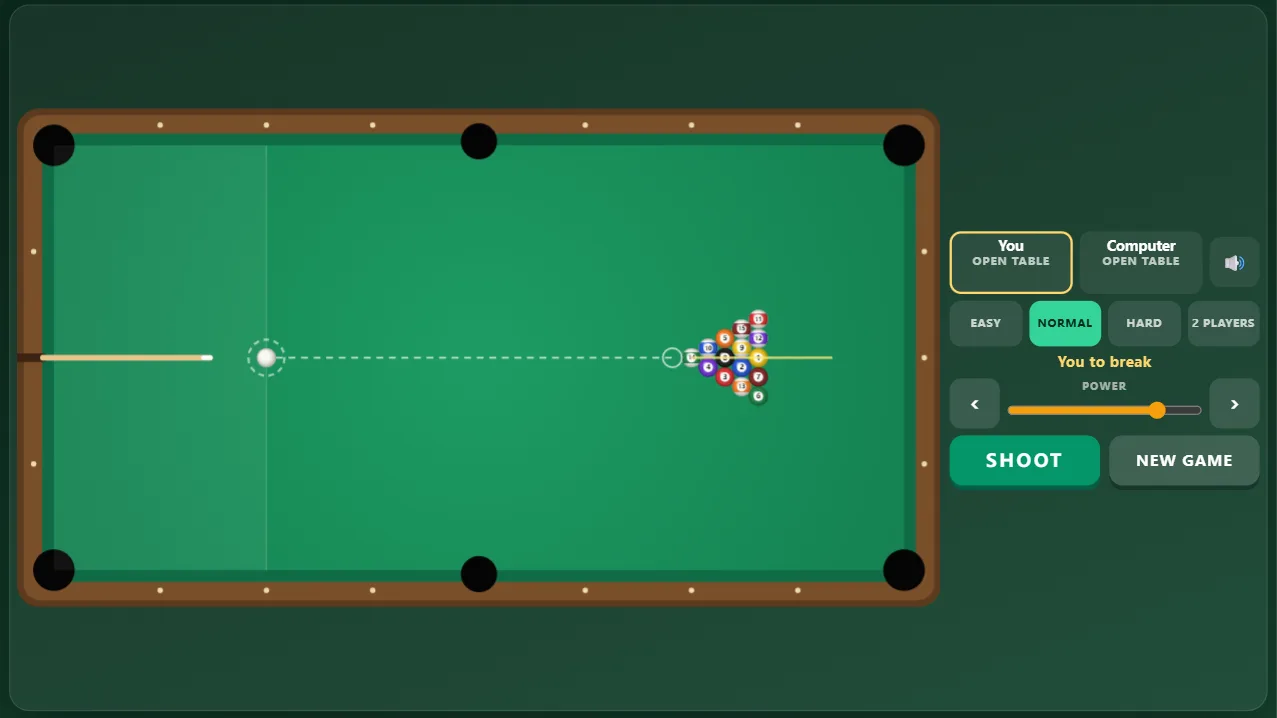
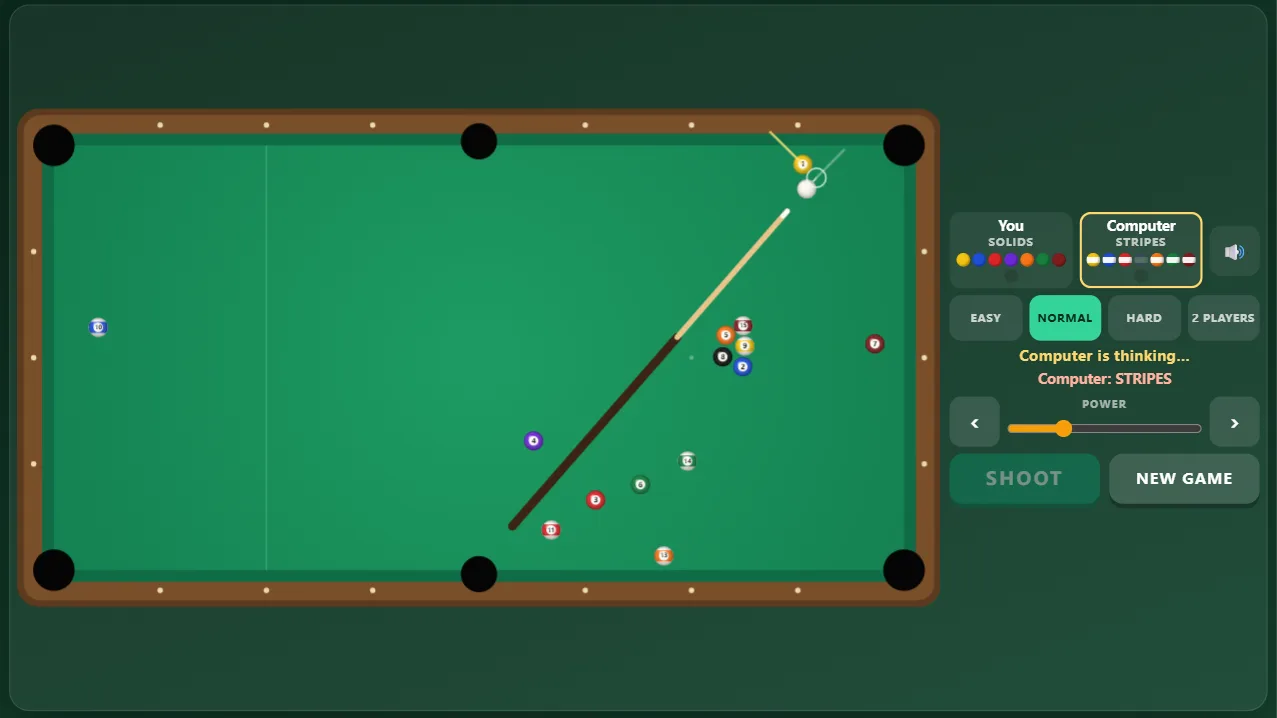
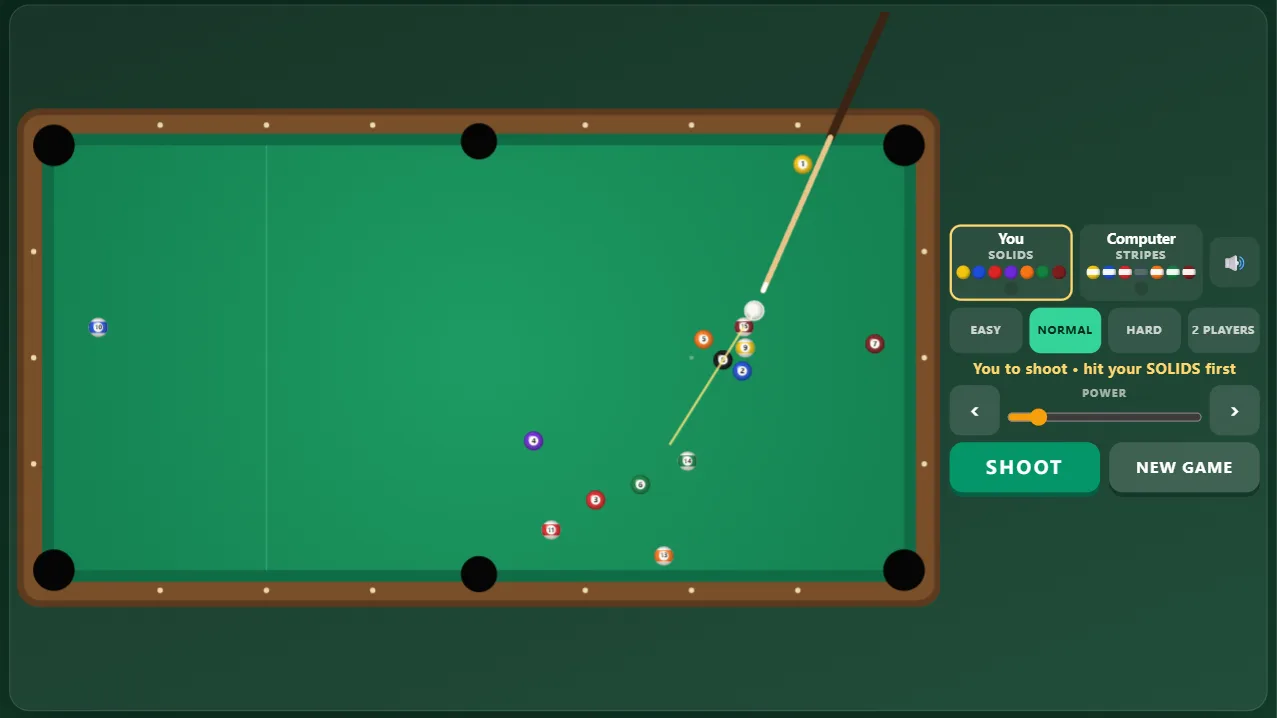
Billiards is a free online 8-ball pool game with real ball physics. Break the rack, then pot all of your group — solids or stripes — and finish by sinking the 8-ball. Tap the table to aim, fine-tune with the arrows, set the power and shoot; a guide line shows where the cue ball will meet the first ball and where that ball will go. Standard 8-ball rules: scratch or hit the wrong ball first and your opponent gets ball in hand anywhere; pot the 8 early and you lose. Play the computer at three levels or a friend on the same screen. No download, no sign-up.
Quick start
- Press Start and pick Easy, Normal or Hard — or 2 Players to play a friend on the same screen.
- Tap (or click) on the table: the cue lines up from the cue ball towards that point. Drag to adjust.
- Set the power with the slider and press Shoot. The guide line shows the first ball you will hit and where it goes.
- Pot all of your group, then the 8-ball, before your opponent does.
How to play Billiards
- The 15 object balls are racked in a triangle; the cue ball starts behind the head string. The first player breaks.
- After the break the table is open. The first ball you pot legally decides your group: solids (1–7) or stripes (9–15); your opponent gets the other group.
- On your turn you must hit one of your own balls first. Pot one of yours and you shoot again; miss, or pot only your opponent's, and the turn passes.
- Fouls: the cue ball goes in a pocket, no ball is hit, or the first ball hit is not one of yours (on an open table, the 8 may not be hit first). After a foul your opponent has ball in hand and may place the cue ball anywhere.
- When your group is cleared, go for the 8-ball. Sinking it legally wins the game. Sinking it before your group is cleared, or scratching while potting it, loses.
- If the 8 drops on the break it is put back on the foot spot and play continues.
Controls
- Aim: tap or click the table; drag to adjust
- Fine aim: the ‹ › buttons (hold to turn faster) or the left and right arrow keys (Shift for finer steps)
- Power: the slider, or the up and down arrow keys
- Shoot: the Shoot button, Space or Enter
- Ball in hand: drag the cue ball to where you want it, then aim
Tips
- Use the guide: the yellow line shows where the object ball will travel — line it up with the pocket.
- Softer is often better. A ball only needs to reach the pocket, and a gentle shot keeps the cue ball under control.
- Thin cuts are hard; with ball in hand, put the cue ball straight behind a ball that sits near a pocket.
- Clear balls that are stuck on a cushion or in a cluster early, before they cost you the game at the end.
- If no pot is on, play safe: hit one of your balls softly so your opponent is left without an easy shot.
Frequently asked questions
Which 8-ball rules are used?
Standard 8-ball: open table after the break, groups decided by the first legal pot, ball in hand anywhere after any foul, and the 8 must be the last ball you pot. Pockets do not need to be called.
What happens if I pot the 8 on the break?
It is put back on the foot spot and the game continues — you do not win or lose on the break.
How good is the computer?
Easy misses a lot, Normal pots most simple shots, and Hard tests its shots in the same physics engine you play with, thinks about its next position and rarely misses.
Can two people play?
Yes. Choose 2 Players and take turns on the same screen.
Is it free and does it work on phones?
Yes. It is completely free in your browser, with no download or account. On a phone in portrait the table turns upright so it is as large as possible.